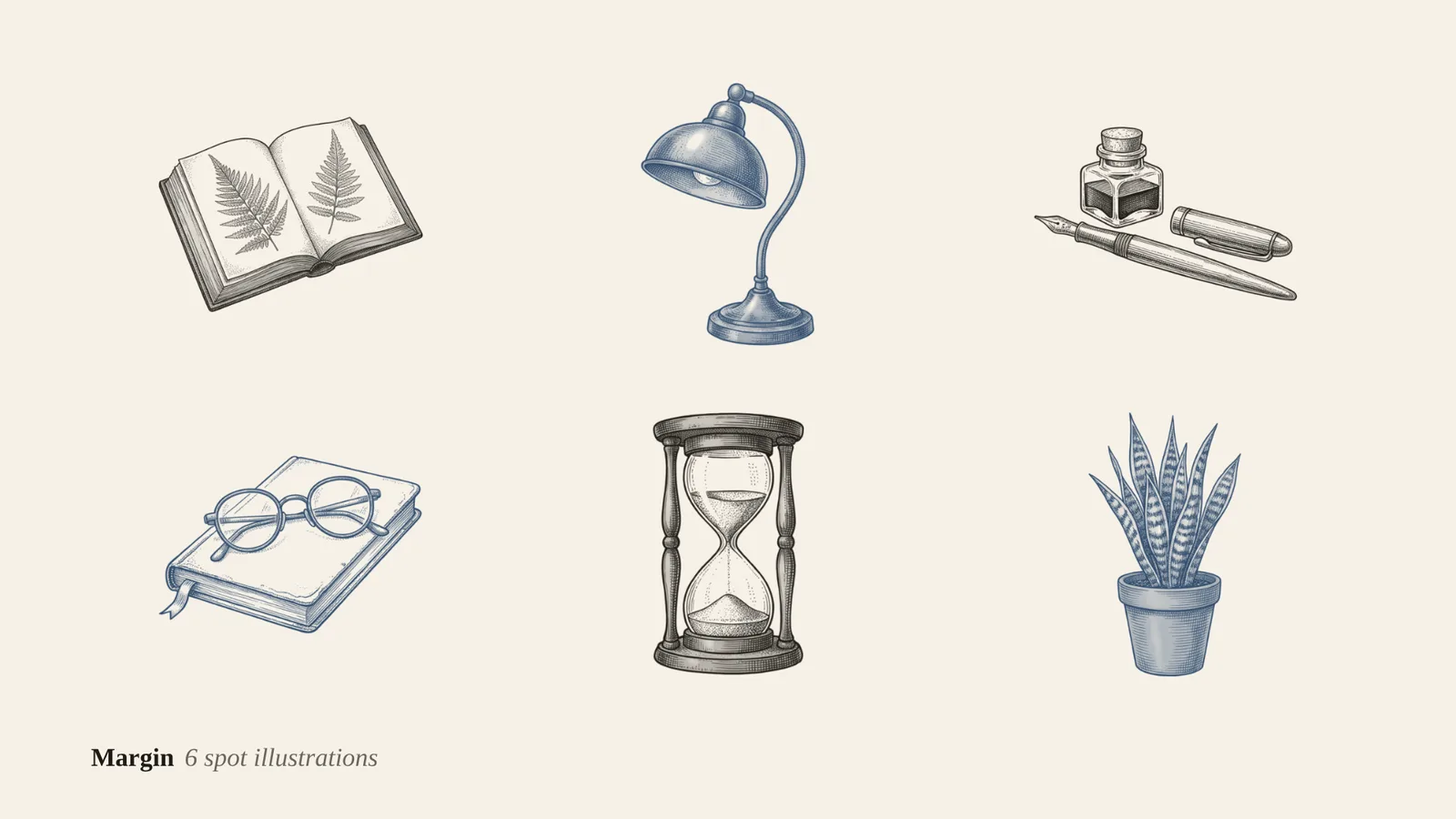
4 images made by this skill from examples/margin and examples/saltbox
What you get
- Three ink styles, engraving, line and brush, or your own
- Up to 36 drawings from one spots.json, six to a sheet, sheet 1 as the style reference
- 1024 px transparent PNGs in up to 6 ink colours
- An SVG per drawing that takes the colour of the text around it
- Checks for missing or merged drawings, a tinted paper and uneven ink weight
- Open-source licenses for every part it builds on
Good fit
- Site builders can put small matching drawings beside headings, in empty states and at the end of articles.
- Cafés, bakeries and shops can get a set of line drawings for the menu, the website and the packaging.
- Newsletter writers can use the SVGs in one ink on a light page and another on a dark page from the same file.
Not for
- Full-colour or painted illustrations: see Painted Cover Series
- Drawings with words, signs or logos in them
- Vector paths to edit point by point: the SVG holds the ink as an image mask
About this skill
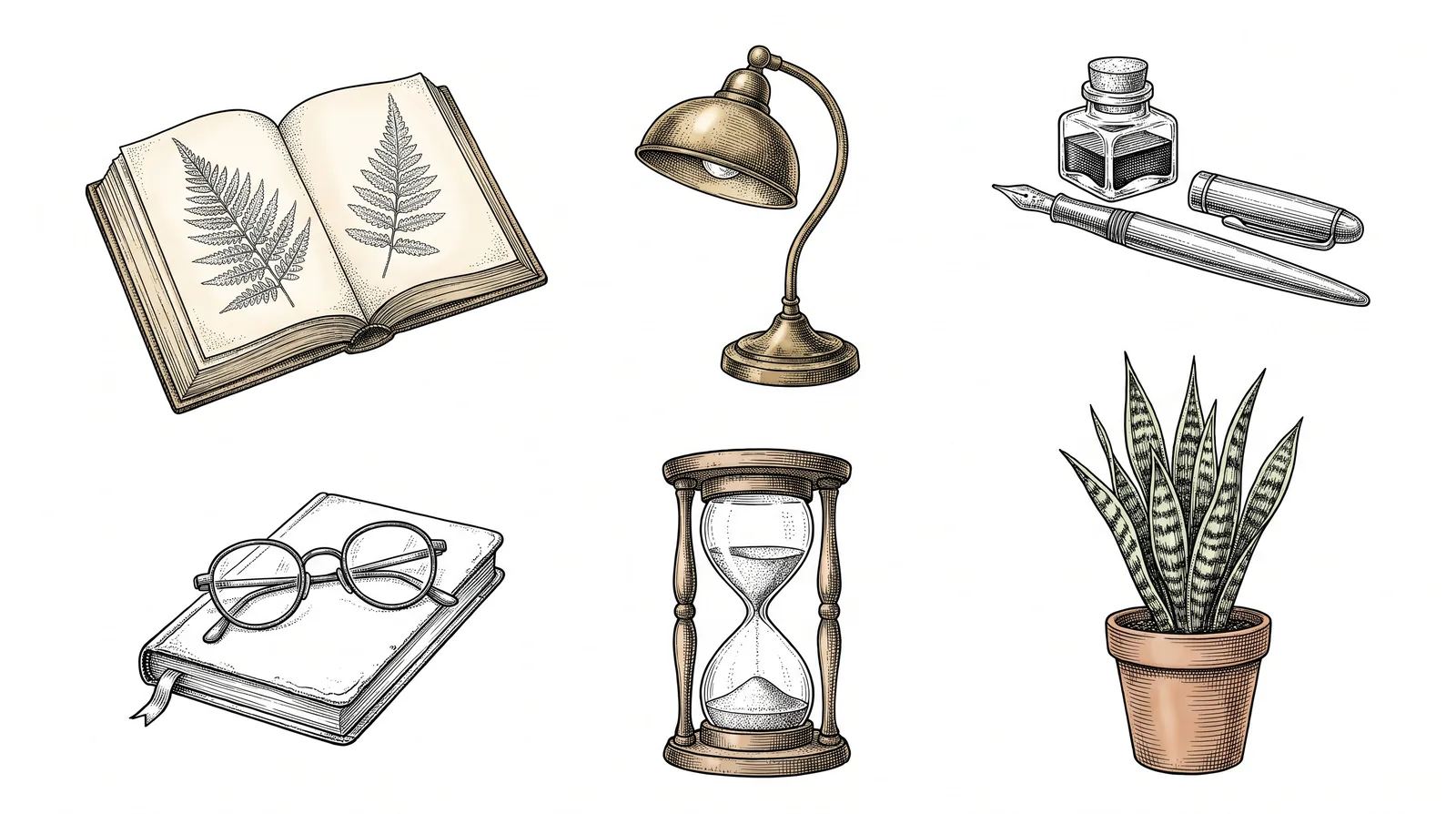
A matched set of hand-inked spot illustrations for a site, newsletter or menu: nineteenth-century engraving, single-weight line or sumi brush. An image model draws them six to a sheet in black ink on white, and the script lifts each drawing off the paper as transparent ink, keeping fine hatching, then exports a PNG in every ink colour you list and an SVG that takes its colour from CSS.
Example request
Make six engraving-style spot illustrations for our reading app, in near-black and in our navy.
How it works
Your agent
- 1
Pick the style and the subjects
Or
customwith your own ink style in 12 words or more (it must stay black ink on white). - 2
Write
spots.jsonCopy
examples/margin/spots.json(engraving, a reading app, two inks) orexamples/saltbox/spots.json(line, a bakery, three inks) and change it. - 3
Generate and lift
It checks
spots.jsonfirst and lists every problem with its fix. - 4
Look, then fix single sheets
found 5 drawings where 6 were asked for: two drawings touch, or one is missing.
- 1
You get
- sheets/sheet-1.png
What you need
- Node.js 18 or newer. Nothing to install.
- Chrome, Chromium or Edge (the script finds it; set
CHROME_PATHif it doesn't). It lifts the ink and makes the files. - An image key in the environment:
GEMINI_API_KEY(Gemini 3 Pro Image, "Nano Banana Pro", the default and what made the examples) orOPENAI_API_KEY(GPT Image). Without a key, the script writesprompts.mdand you make the sheets in any image app and drop them insheets/. A scan of real drawings on white paper works too.
Last checked Nov 2, 2026: the package’s own build and render commands ran and passed.
If something goes wrong
"No image key"
Set
GEMINI_API_KEYorOPENAI_API_KEY, or make the sheets by hand fromprompts.md.A drawing came out in two pieces
Its parts were far apart on the sheet. Regenerate the sheet; or put the subject as one object ("a cup on a saucer", not "a cup and, apart from it, a saucer").
The SVG shows as a black square
The viewer doesn't support SVG masks (some old email clients). Use the PNG there.
What’s in the download
- SKILL.md7.08 KB
- examples/
- examples/margin/768 Bcomplete examples with their generated sheets. · 1 file
- examples/saltbox/672 B1 file
- scripts/
- scripts/browser.mjs6.96 KBfind and drive headless Chrome.
- scripts/chrome.mjs3.63 KB
- scripts/config.mjs3.51 KBreads and checks
spots.json, and the three styles. - scripts/imagegen.mjs5.99 KBcalls Gemini or OpenAI image models over HTTP.
- scripts/lab.mjs1.06 KBlifting the ink, grouping strokes, recolouring and resizing, in headless Chrome's canvas.
- scripts/prompts.mjs2.30 KBthe sheet prompts and the grid for each sheet.
- scripts/render.mjs4.74 KBthe index page and the preview.
- scripts/spots.mjs7.69 KBthe command: plans sheets, generates, lifts, exports and checks.
- template/
- template/lab.html91 B
- template/lab.js26.4 KBlifting the ink, grouping strokes, recolouring and resizing, in headless Chrome's canvas.
- NOTICE.md910 B
- TESTED.json194 B
15 files · 71.9 KB · installs to ~/.claude/skills/ink-spot-illustrations for Claude Code and ~/.agents/skills/ink-spot-illustrations for other agents
Credits and licenses: NOTICE.md plus any LICENSE files inside the ZIP.
Similar Skills
View allDetails
- Output
- Transparent PNG in each ink · SVG in currentColor · 512 px WebP
- Needs
- Node.js 18+, Chrome, and a Gemini or OpenAI key (or any image app by hand)
- Series
- Illustration · 3 skills
- Updated
- Nov 2, 2026
- Checked
- Nov 2, 2026: its own commands ran and passed. That is a working check, not a security audit.
Written for
See all 31 agents that read skill folders.
Install guides
For your agent
Generates with
Installed it? Tell others how it went. Reviews come from people who installed this skill.
Write a reviewFAQ
Why is the SVG in currentColor?
The ink is a mask over a rectangle filled with currentColor, so the drawing takes the CSS colour of the text around it. One file then works on light and dark pages and in hover states.
Does it keep fine hatching?
Yes. Ink strength is read from how much darker each pixel is than the paper, with the paper and ink levels measured on each sheet, so faint hatching stays faint and the paper goes fully clear.
Can I use my own drawings?
Yes. Scan or photograph them in black ink on white paper, six to a page with space between them, save the pages in sheets/ and run the command; the same lift and exports run on them.
Which agents is Ink Spot Illustrations written for?
Any agent that reads SKILL.md folders, including Claude Code, Codex, Cursor, GitHub Copilot, Gemini CLI and OpenCode.
Do I own what I make with it?
Yes. Everything your agent makes with this skill is yours, including for client and commercial work.
What if it doesn’t work for me?
Email support@lookbk.dev within 7 days of buying and we’ll fix it or refund you.
Credits and licensesWritten by Lookbk
Lookbk wrote this package from scratch: the ink styles and sheet prompts, the ink lift and stroke grouping, the currentColor SVGs and the checks. The example sheets were made with Gemini 3 Pro Image from the package’s own prompts. Written by Lookbk, no third-party code.
Credits and licenses for the open-source software and fonts it uses are in NOTICE.md inside the download.