Nightly's dark launch film, 7 scenes at 88 BPM
This 60-second clip is a dark launch film for Nightly with 7 scenes, cut to 88 BPM. The Launch Film: After Hours skill rendered it from examples/nightly-dark/brief.json in its package. Every field of that file is listed below.
The brand and web addresses in this example are made up. The .example ending is a reserved name that never leads to a real site.
What happens in this clip
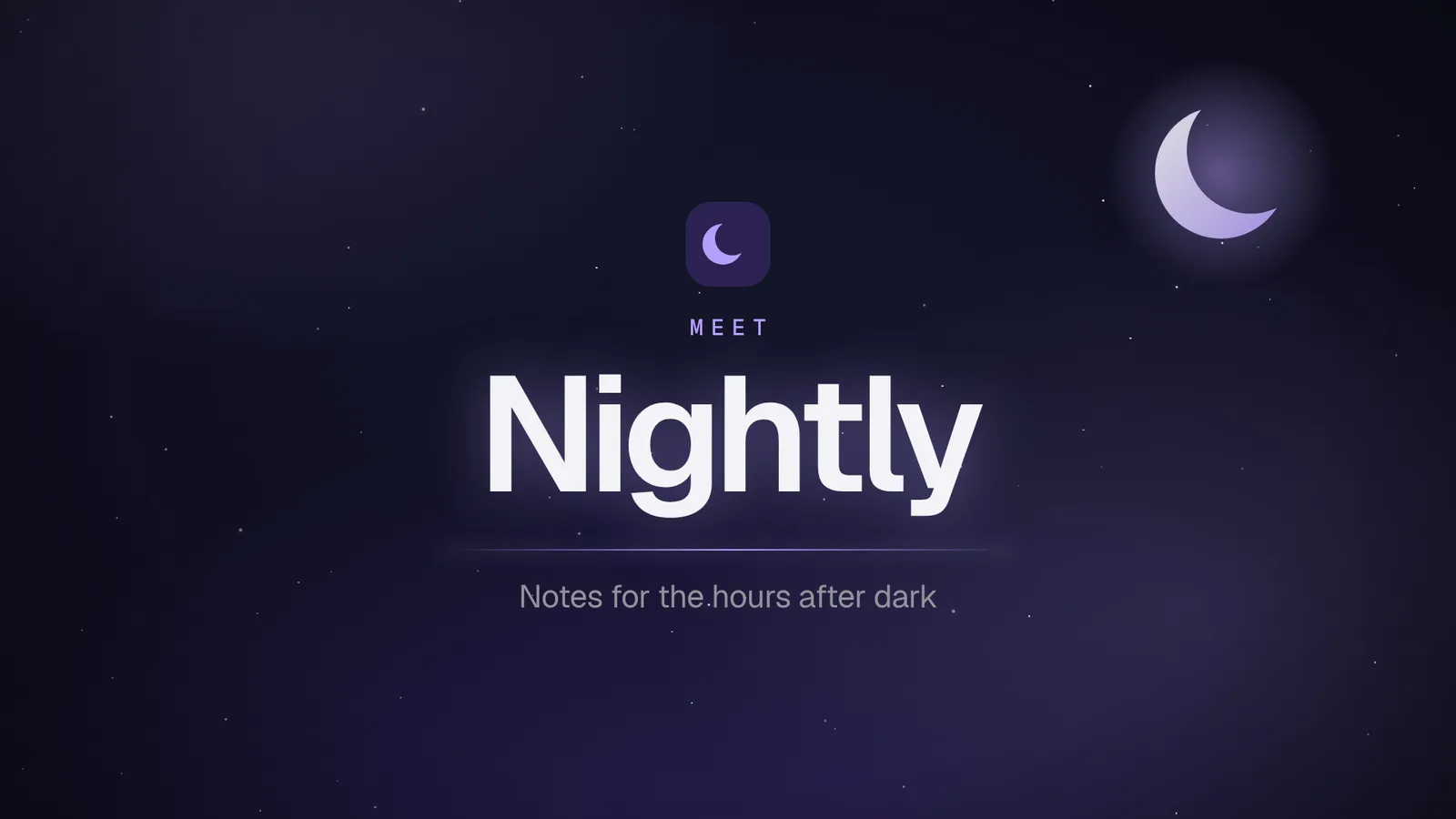
Nightly is a note-taking app, and its film opens on a title scene: the kicker “Meet”, the name “Nightly” and the line “Notes for the hours after dark”. The problem scene has two lines, “11:48 pm. Still writing.” and “The screen is still white.”, and five chips, including “Battery low: 9%”, “Night Shift is on” and “Brightness at 100%”.
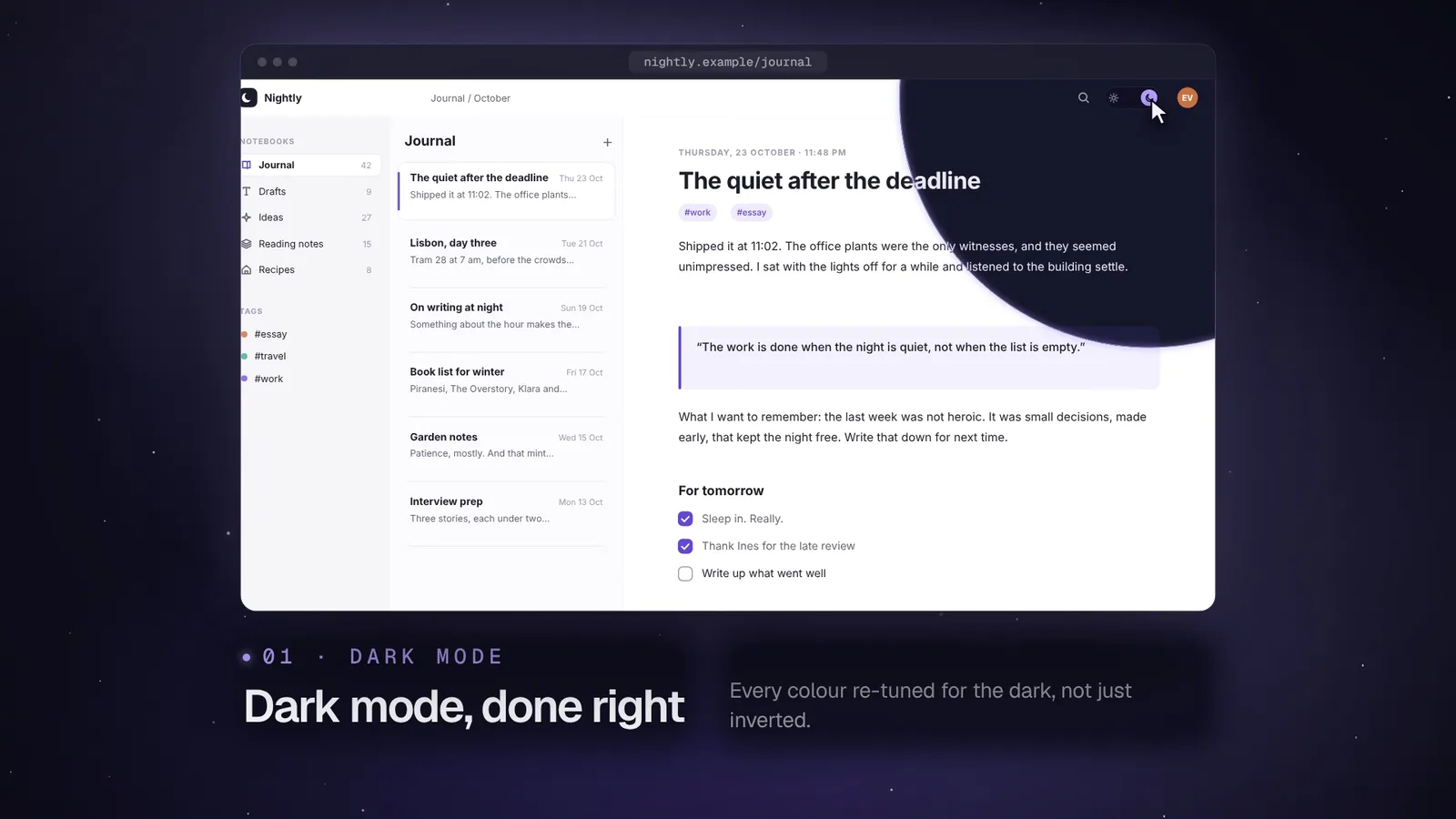
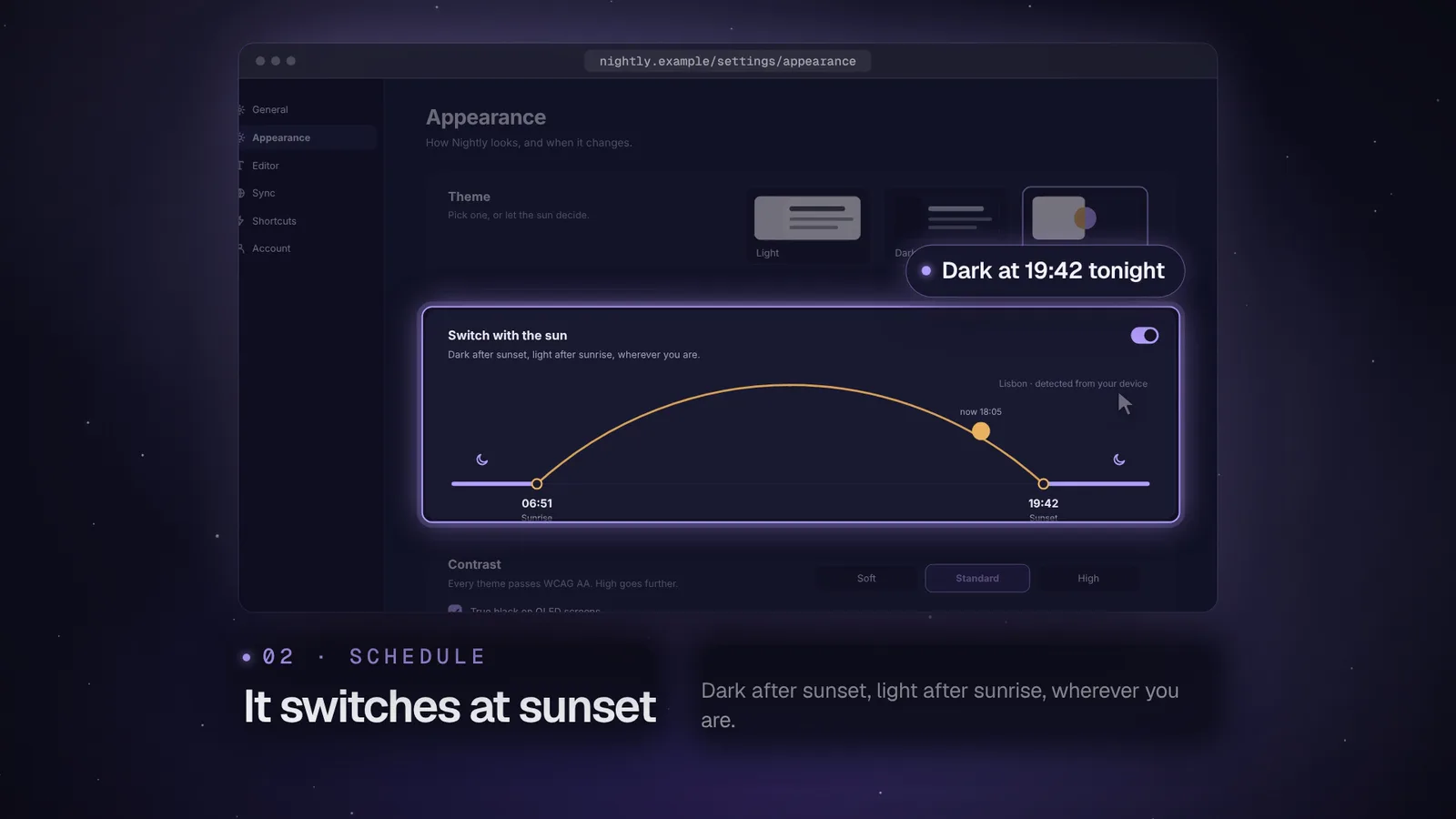
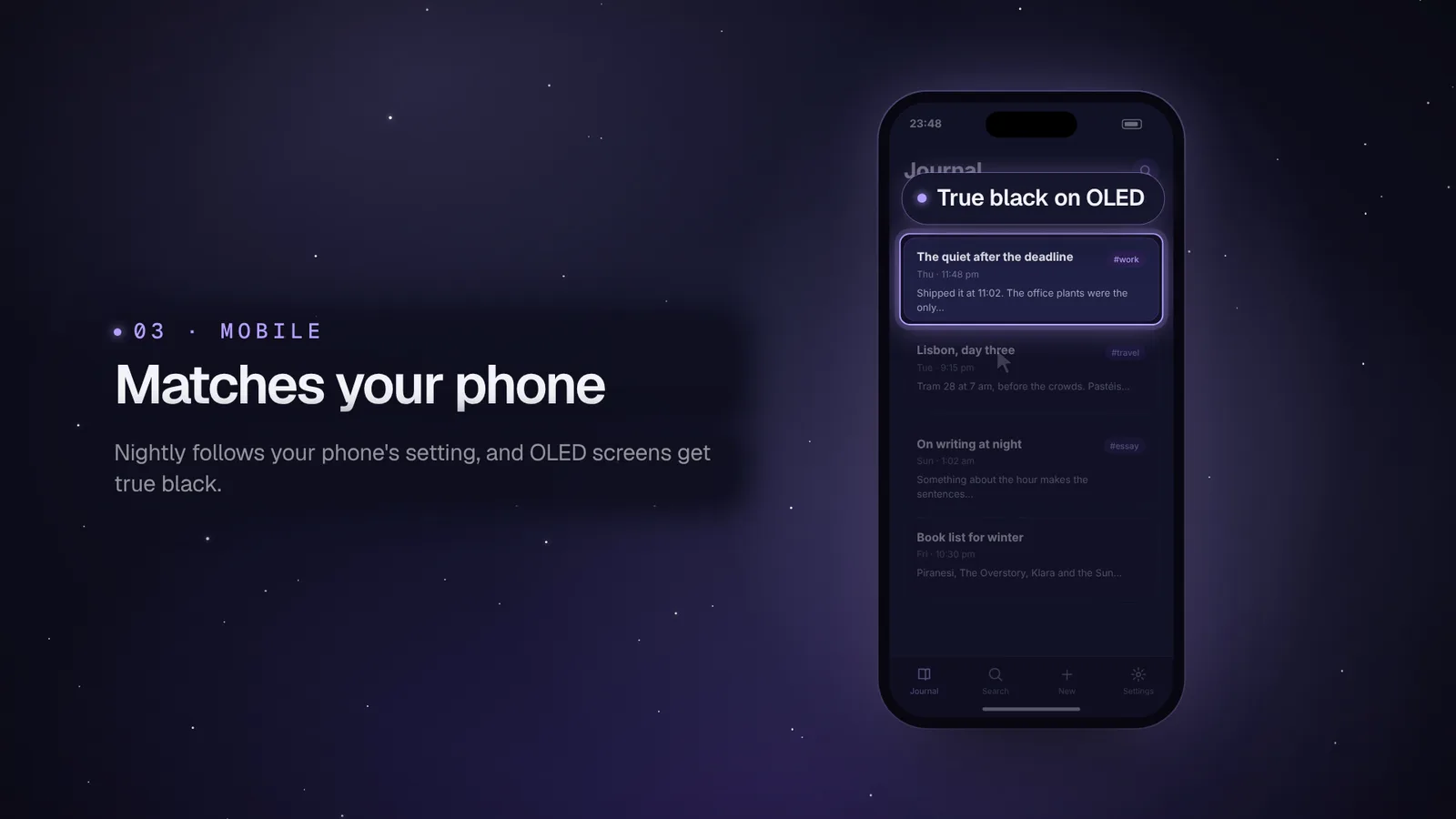
Three product scenes follow. Dark mode, “Dark mode, done right”, starts on a light editor screen and changes to a dark one, with the callout “Every colour re-tuned”. Schedule, “It switches at sunset”, shows the appearance settings and calls out “Dark at 19:42 tonight”. Mobile, “Matches your phone”, uses a phone frame and calls out “True black on OLED”.
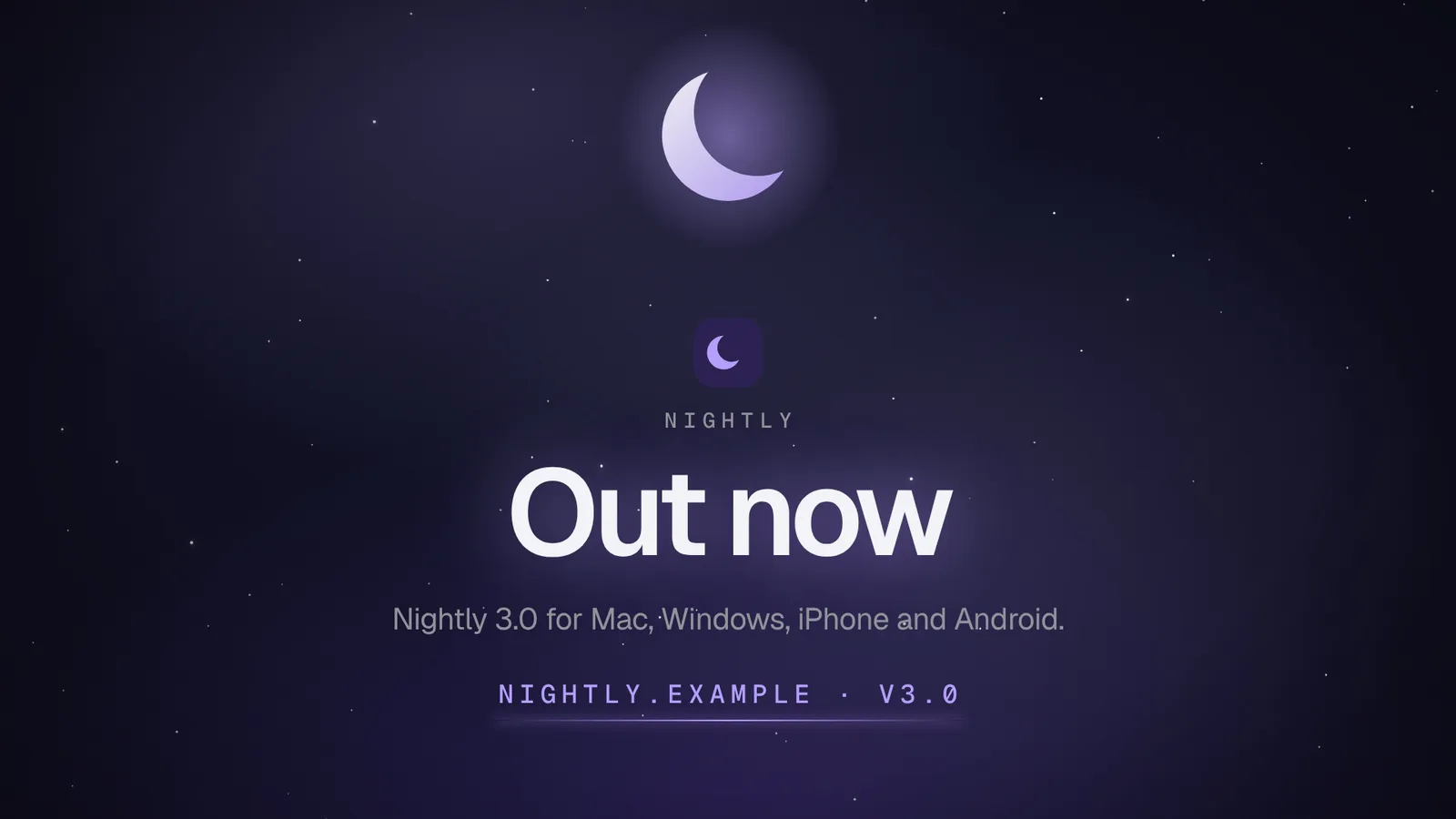
A features scene, “Also in 3.0”, lists four items: per-notebook themes, reading mode, a one-key switch and dark PDF export. The end card reads “Out now” and “Nightly 3.0 for Mac, Windows, iPhone and Android.”, above nightly.example and v3.0.
Compared with Lantern
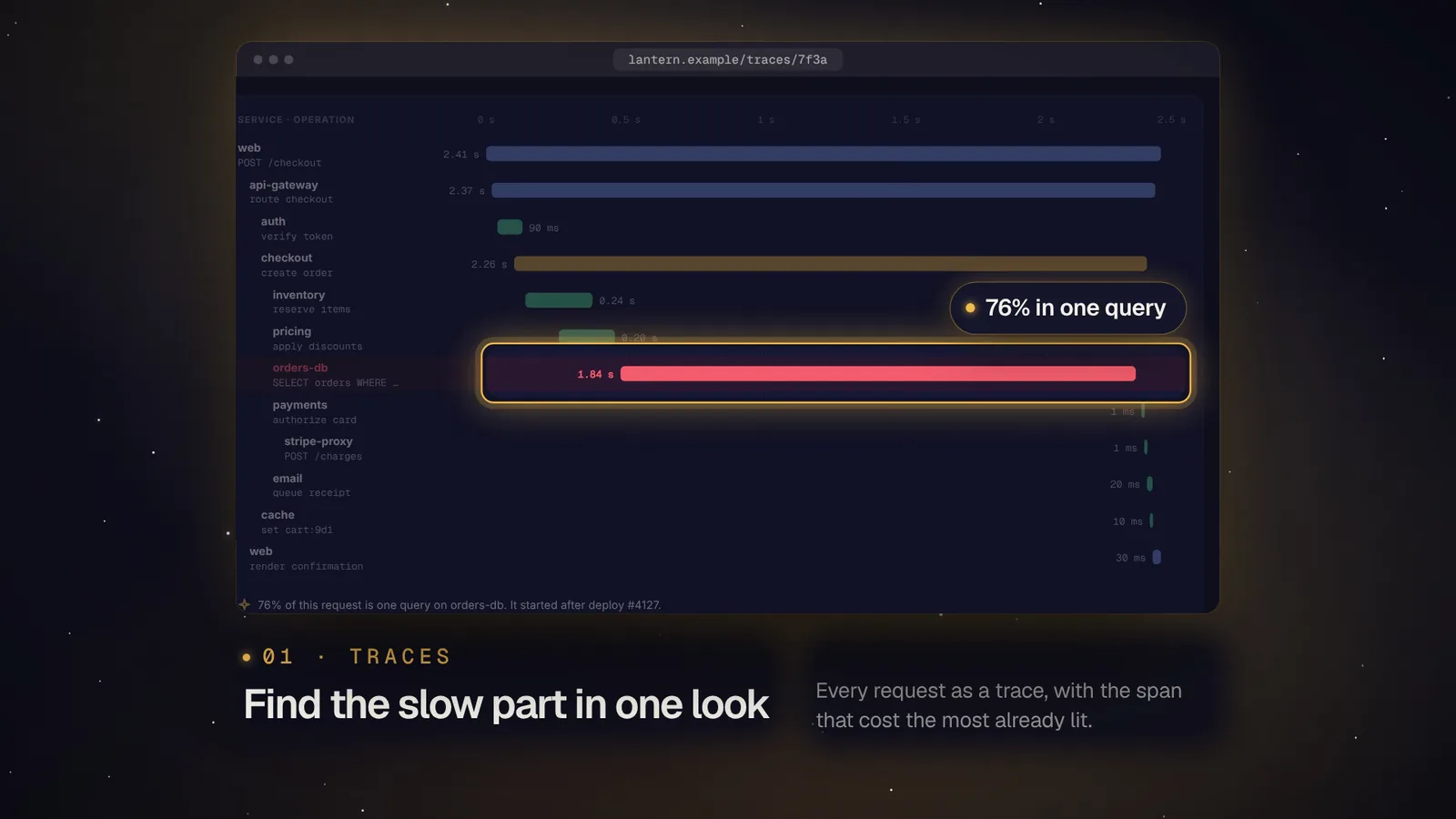
Lantern, the other film from this skill, is set to the same tempo, 88, but is a different story. Nightly’s problem is a screen that stays white late at night; Lantern’s is a slow checkout at 3:12 am. Nightly has three product scenes (dark mode, schedule, mobile) and Lantern has four (traces, incidents, service map, on call). Nightly’s features scene lists four items and Lantern’s lists six. Nightly’s brief sets no colours of its own, and Lantern’s sets a ground of #0d0f1c, ink #f3f1ea and an amber accent, #f5b84a.
How the film is built
In order, the film is a title scene, a problem scene, three product scenes that each carry a callout, a four-item features scene and an end card with a web address and version number. The first product scene uses an after screen, so it shows a before and after of the same view.
Frames from the clip
Settings
Every field of examples/nightly-dark/brief.json, as stored in the package.
| Setting | Value |
|---|---|
| product | Nightly |
| url | nightly.example |
| tempo | 88 |
| Setting | Value |
|---|---|
| type | title |
| logo | logo.svg |
| kicker | Meet |
| title | Nightly |
| line | Notes for the hours after dark |
| Setting | Value |
|---|---|
| type | problem |
| lines | 11:48 pm. Still writing., The screen is still white. |
| chips | Screen time: 6 h 12 min, Battery low: 9%, Night Shift is on, Reminder: sleep by 12, Brightness at 100% |
| Setting | Value |
|---|---|
| type | moment |
| kicker | Dark mode |
| title | Dark mode, done right |
| line | Every colour re-tuned for the dark, not just inverted. |
| screen | screens/editor-light.svg |
| after | screens/editor-dark.svg |
| path | /journal |
| focus | 600, 80, 820, 560 |
| click | 1344, 28 |
| callout | Every colour re-tuned |
| Setting | Value |
|---|---|
| type | moment |
| kicker | Schedule |
| title | It switches at sunset |
| line | Dark after sunset, light after sunrise, wherever you are. |
| screen | screens/appearance.svg |
| path | /settings/appearance |
| focus | 300, 390, 1080, 300 |
| click | 1336, 426 |
| callout | Dark at 19:42 tonight |
| Setting | Value |
|---|---|
| type | moment |
| kicker | Mobile |
| title | Matches your phone |
| line | Nightly follows your phone's setting, and OLED screens get true black. |
| screen | screens/phone.svg |
| frame | phone |
| focus | 20, 186, 350, 114 |
| click | 195, 243 |
| callout | True black on OLED |
| Setting | Value |
|---|---|
| type | features |
| title | Also in 3.0 |
| items[0].icon | moon |
| items[0].title | Per-notebook themes |
| items[0].line | Keep one notebook dark all day |
| items[1].icon | eye |
| items[1].title | Reading mode |
| items[1].line | Warmer text for late pages |
| items[2].icon | keyboard |
| items[2].title | One-key switch |
| items[2].line | Flip themes without the menu |
| items[3].icon | export |
| items[3].title | Dark PDF export |
| items[3].line | Share notes the way you wrote them |
| Setting | Value |
|---|---|
| type | end |
| logo | logo.svg |
| title | Out now |
| line | Nightly 3.0 for Mac, Windows, iPhone and Android. |
| cta | nightly.example · v3.0 |
More from Launch Film: After Hours
Related skills
- Launch Film: Porcelain
Launch Films
- Cursor Tour Hero
Motion Heroes