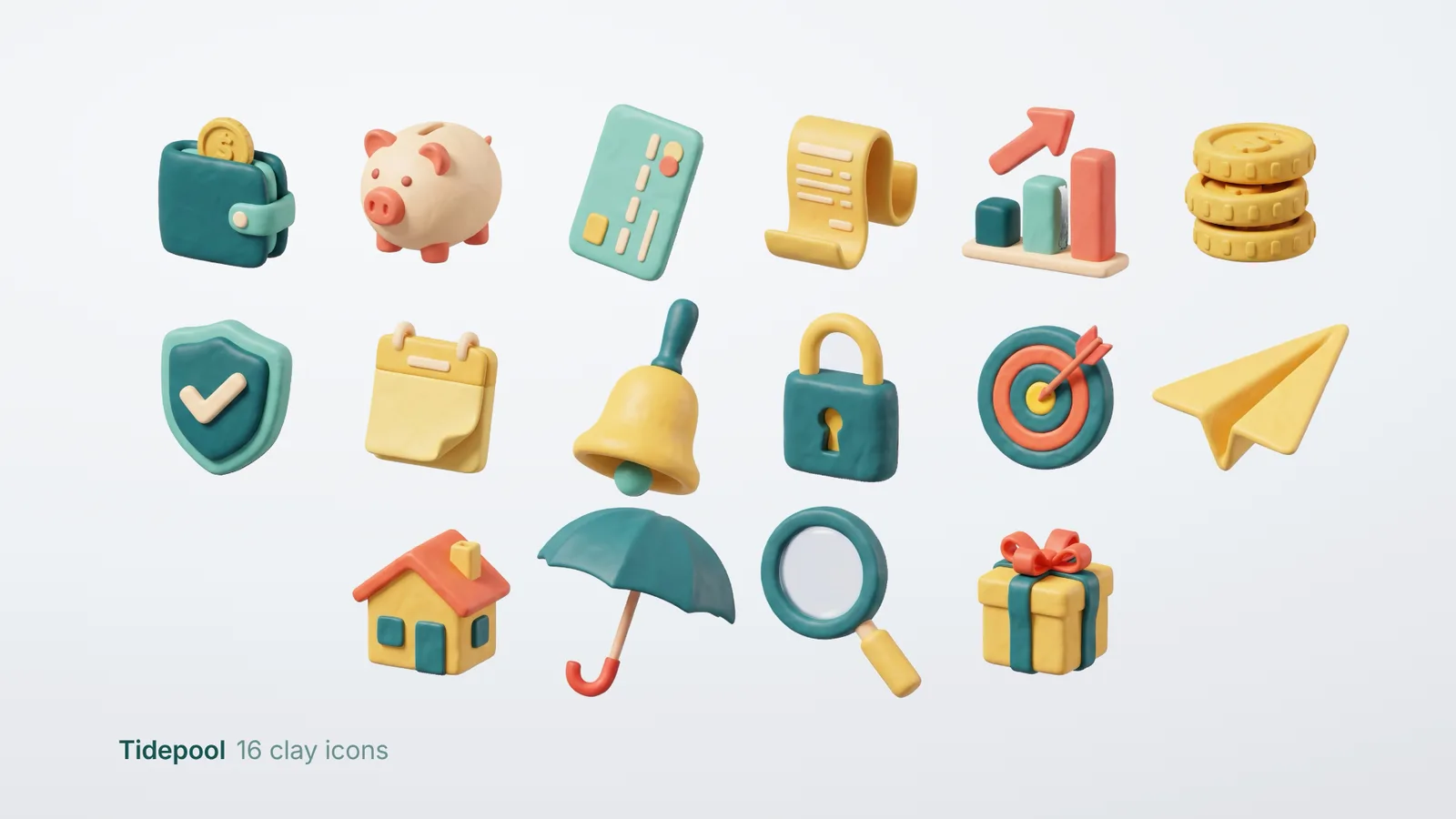
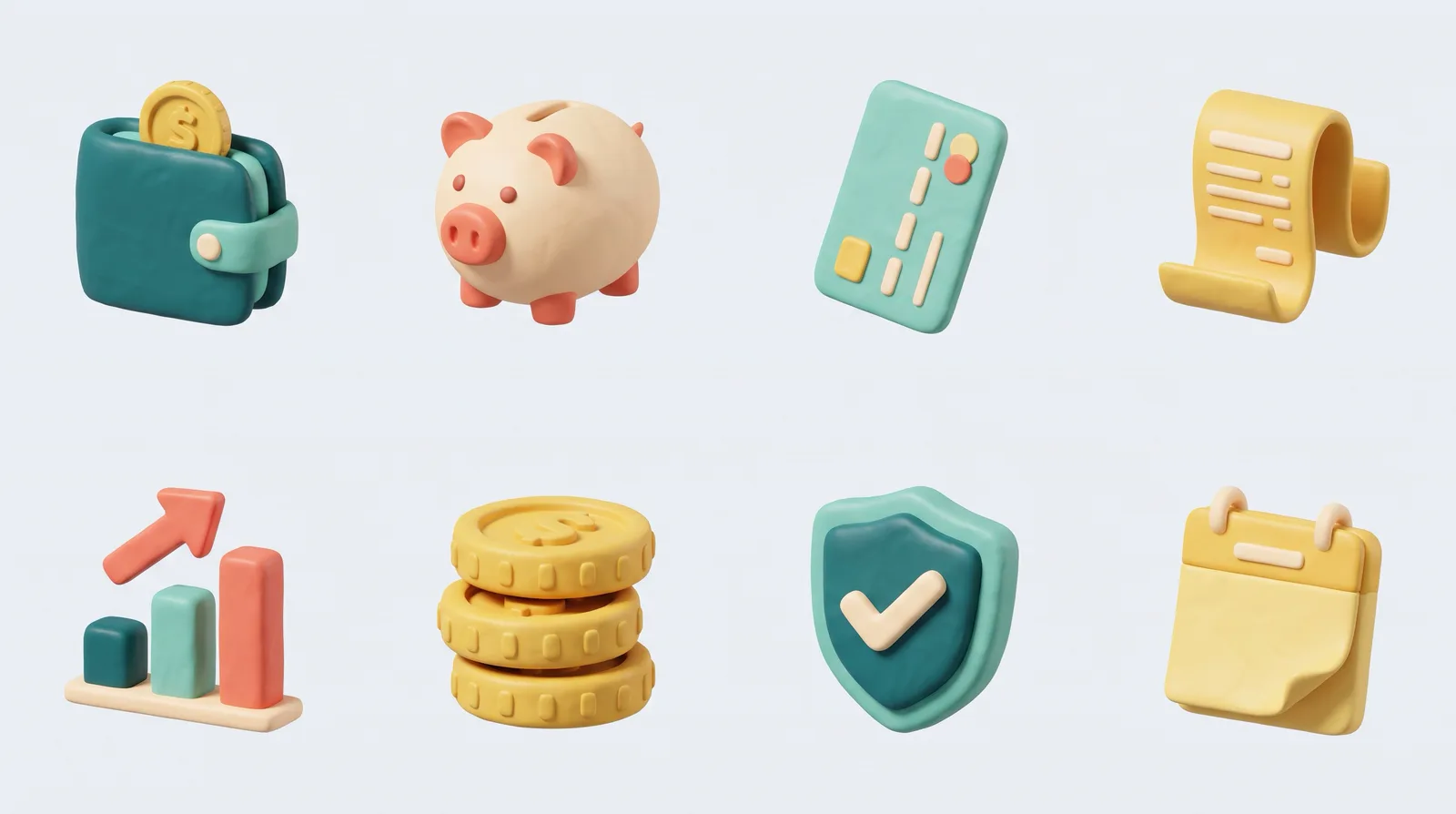
4 images made by this skill from examples/tidepool and examples/pantry
What you get
- Up to 48 icons from one icons.json, eight to a sheet with sheet 1 as the style anchor
- A backdrop picked to stand apart from your palette, so every icon cuts out cleanly
- 1024 px transparent PNGs with their soft shadow, plus 512, 256, 128, 64 and 32 px, and 256 px WebP
- Optional squircle app tiles, a sprite, a 1920 × 1080 preview and an index page on light and dark
- Checks for a missing icon on a sheet, odd sizes and icons that fade on white or black
- Open-source licenses for every part it builds on
Good fit
- App teams can give every feature, tab and empty state a soft 3D clay icon that matches the rest of the set.
- Founders building a landing page can turn a list of features into icons in their brand palette in two image calls for 16 icons.
- Designers can generate the set, then pick and regenerate single sheets until every icon reads at 32 px.
Not for
- Flat line icons, glyph fonts or SVG icons: use an icon library
- Redrawing your existing icons in clay from a picture
- Icons with words, numbers or logos on them
About this skill
A matched set of soft 3D clay icons for your app, site or deck, from a list of concepts and your palette. An image model makes them eight to a sheet, so they share one light, one material and one scale, and every later sheet copies the first. The script cuts each icon out with its soft contact shadow, sizes them to the same optical weight, and exports every size an app needs.
Example request
Make 16 clay icons for our budgeting app in our teal, coral and yellow palette, with app tiles.
How it works
Your agent
- 1
Pick the concepts and the palette
Ask what the icons are for and list one concept per feature or menu item.
- 2
Write
icons.jsonCopy
examples/tidepool/icons.json(16 finance icons with app tiles) orexamples/pantry/icons.json(16 cooking icons) and change it. - 3
Generate and build
It checks
icons.jsonfirst and lists every problem with its fix (a palette colour too close to the backdrop, a subject that asks for text). - 4
Look, then fix single sheets
Open
out/index.html.
- 1
You get
- out/index.html
What you need
- Node.js 18 or newer. Nothing to install.
- Chrome, Chromium or Edge (the script finds it; set
CHROME_PATHif it doesn't). It does the cut-out and the exports. - An image key in the environment:
GEMINI_API_KEY(Gemini 3 Pro Image, "Nano Banana Pro", the default and what made the examples) orOPENAI_API_KEY(GPT Image). Without a key, the script writesprompts.mdand you make the sheets in any image app (ChatGPT, Gemini, Midjourney) and drop them insheets/.
Last checked Nov 2, 2026: the package’s own build and render commands ran and passed.
If something goes wrong
"No image key"
Set
GEMINI_API_KEYorOPENAI_API_KEY, or make the sheets by hand fromprompts.md.Gemini said 429
You hit the rate limit; it retries twice, then run again: finished sheets are kept.
An icon has a ring of backdrop colour or a hole
The backdrop wasn't flat on that sheet (a gradient or a floor).
--regenit; leavingbackgroundout picks a backdrop that separates better.
What’s in the download
- SKILL.md8.49 KB
- examples/
- examples/pantry/1.49 KBcomplete examples with their generated sheets. · 1 file
- examples/tidepool/1.25 KB1 file
- scripts/
- scripts/browser.mjs6.96 KBfind and drive headless Chrome.
- scripts/chrome.mjs3.63 KB
- scripts/config.mjs4.43 KBreads and checks
icons.json, picks the backdrop. - scripts/icons.mjs7.86 KBthe command: plans sheets, generates, cuts, exports and checks.
- scripts/imagegen.mjs5.99 KBcalls Gemini or OpenAI image models over HTTP.
- scripts/lab.mjs1.06 KBthe cut-out, resizing, tiles and checks, run in headless Chrome's canvas.
- scripts/prompts.mjs3.07 KBthe sheet prompts.
- scripts/render.mjs6.38 KBthe preview page, sprite and share image.
- template/
- template/lab.html91 B
- template/lab.js20.1 KBthe cut-out, resizing, tiles and checks, run in headless Chrome's canvas.
- NOTICE.md918 B
- TESTED.json195 B
15 files · 71.9 KB · installs to ~/.claude/skills/clay-icon-set for Claude Code and ~/.agents/skills/clay-icon-set for other agents
Credits and licenses: NOTICE.md plus any LICENSE files inside the ZIP.
Similar Skills
View allDetails
- Output
- Transparent PNG · 1024 px plus 512 to 32 px, 256 px WebP, app tiles, sprite
- Needs
- Node.js 18+, Chrome, and a Gemini or OpenAI key (or any image app by hand)
- Series
- 3D Icons
- Updated
- Nov 2, 2026
- Checked
- Nov 2, 2026: its own commands ran and passed. That is a working check, not a security audit.
Written for
See all 31 agents that read skill folders.
Install guides
For your agent
Generates with
Installed it? Tell others how it went. Reviews come from people who installed this skill.
Write a reviewFAQ
Does it need an image model?
Yes. It writes the prompts and sends them to Gemini 3 Pro Image or GPT Image with your key. Without a key it writes prompts.md, and you make the sheets in ChatGPT, Gemini or Midjourney and drop them in sheets/; the cut-out and exports run the same way.
Why do the icons match each other?
They are made eight to a sheet, so one image gives them the same light, clay and camera, and every later sheet is generated with sheet 1 attached as the reference. Each icon is then scaled by its area, so long and round objects look the same weight.
What happens to the background?
The sheets are made on a flat backdrop picked to stand apart from your palette, and the script cuts each icon out against it. You get transparent PNGs that keep a soft contact shadow, so they sit right on light or dark pages.
Which agents is Clay Icon Set written for?
Any agent that reads SKILL.md folders, including Claude Code, Codex, Cursor, GitHub Copilot, Gemini CLI and OpenCode.
Do I own what I make with it?
Yes. Everything your agent makes with this skill is yours, including for client and commercial work.
What if it doesn’t work for me?
Email support@lookbk.dev within 7 days of buying and we’ll fix it or refund you.
Credits and licensesWritten by Lookbk
Lookbk wrote this package from scratch: the sheet prompts, the backdrop picker, the difference-matte cut-out, the optical sizing and the checks. The example sheets were made with Gemini 3 Pro Image from the package’s own prompts. Written by Lookbk, no third-party code.
Credits and licenses for the open-source software and fonts it uses are in NOTICE.md inside the download.