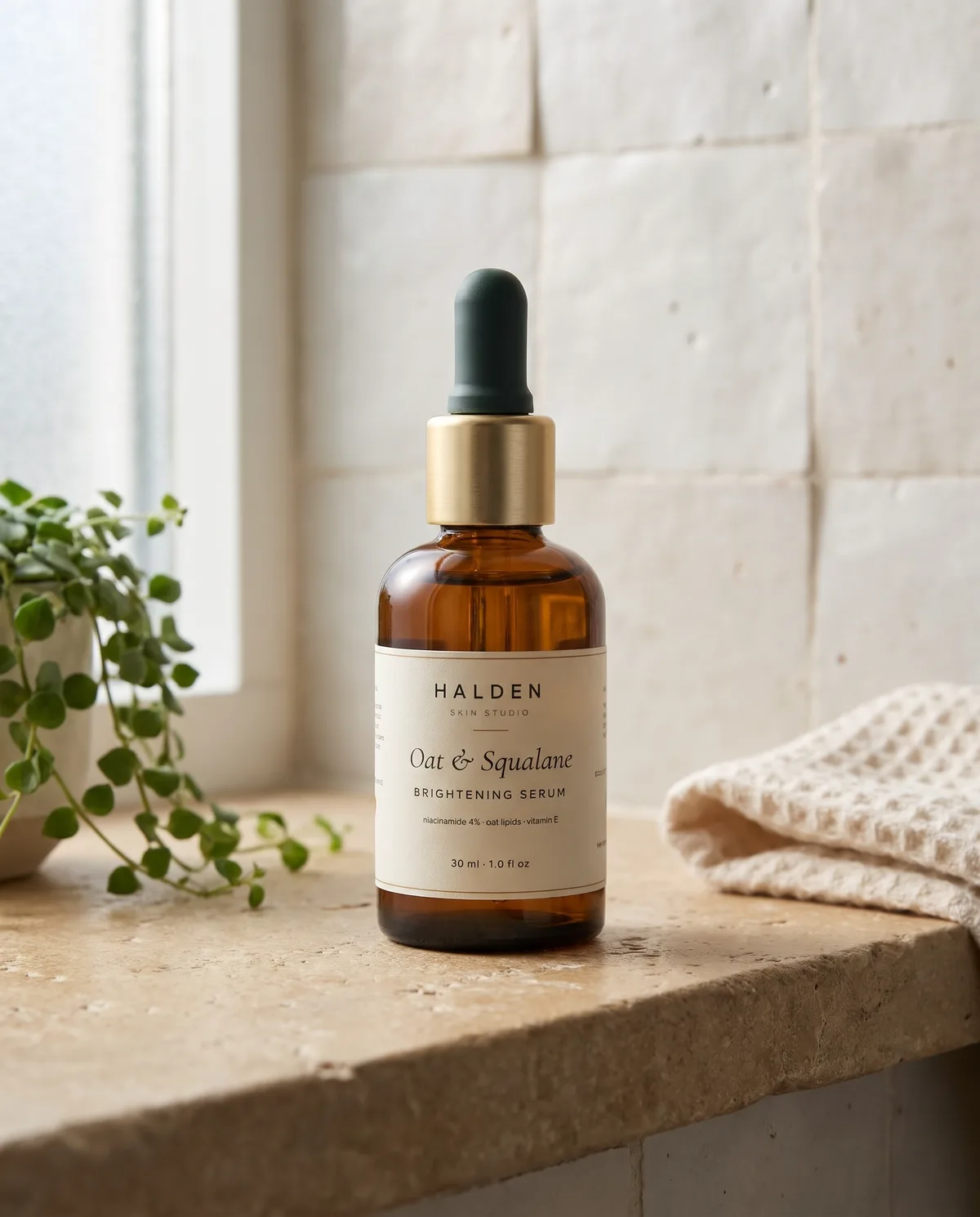
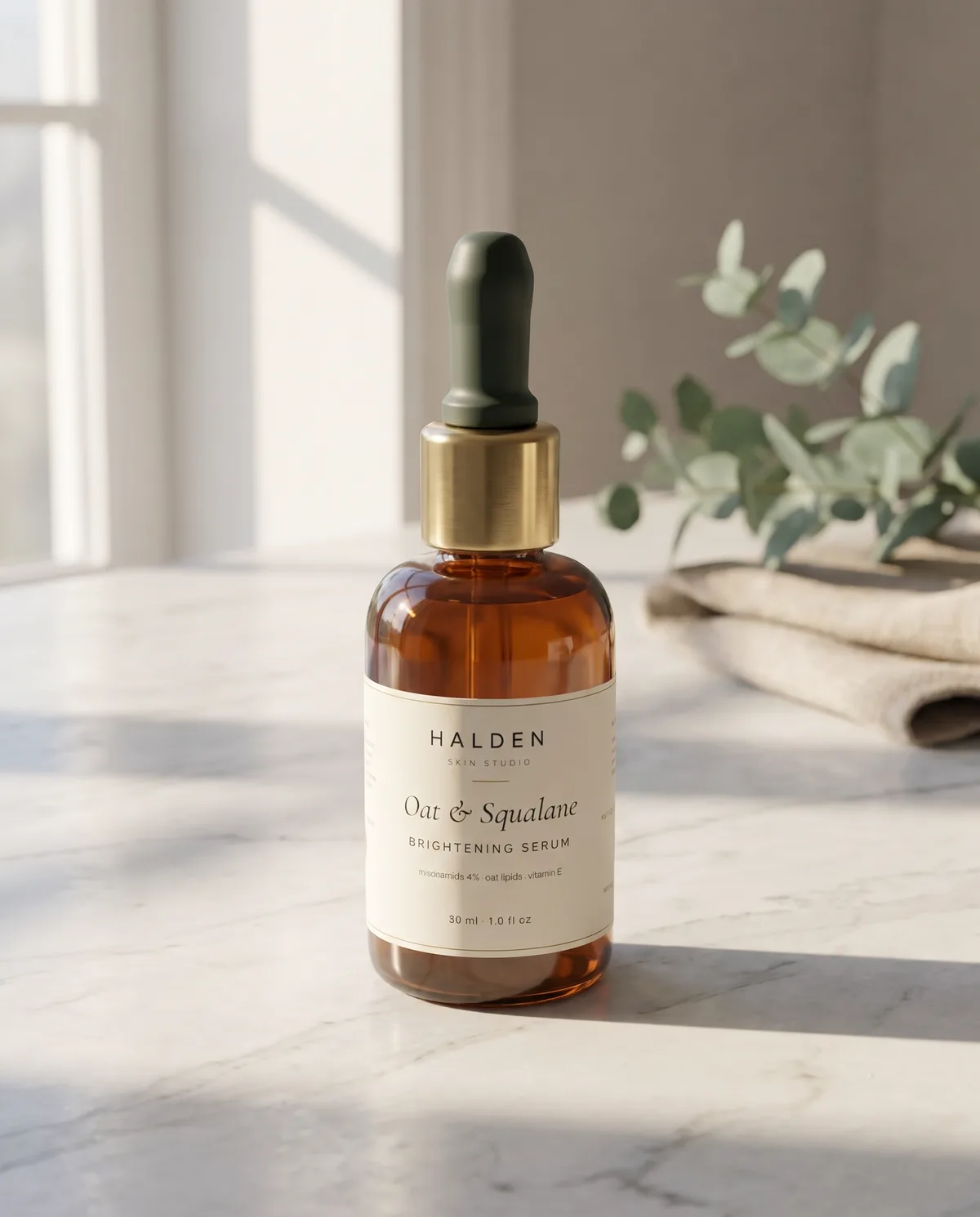
8 images made by this skill from examples/halden-serum and examples/morning-tonic
What you get
- Ten built-in scenes written as photographer’s briefs, or up to 12 of your own
- Every scene in each size you list, the extra sizes recomposed from the first shot
- A contact sheet with your product photo beside every shot
- Prompts to make the shots by hand in any image app that takes a reference
- Checks for shots in the wrong shape or too small for a banner
- Open-source licenses for every part it builds on
Good fit
- Ecommerce sellers can get lifestyle images for a product page without booking a photo shoot.
- Brands launching a product can make the same scene as a 4:5 post, a 16:9 banner and a 9:16 story.
- Shops with a Studio Product Shot packshot can place it in ten ready scene briefs or their own.
Not for
- Guaranteeing small print on a label: check every shot against your photo
- Shots with people, hands or models using the product
- Studio packshots from label art: see Studio Product Shot
About this skill
Lifestyle and editorial product photography from one photo of your product: a marble counter in morning light, a bathroom shelf, a picnic blanket, a café table and six more scenes, or your own brief. An image model makes each scene with your photo as the reference, every extra size is recomposed from the first shot, and a contact sheet puts your photo beside every shot so you can check the label.
Example request
Put our serum bottle from photos/front.jpg on a marble counter, a bathroom shelf and a travertine plinth, as 4:5 and 16:9.
How it works
Your agent
- 1
Describe the product and pick the scenes
Write the product in one line with its size, materials and colours:
30 ml amber glass dropper bottle of face serum with a brushed gold collar, a dark green rubber dropper bulb and a cream paper label. - 2
Write
scenes.jsonCopy
examples/halden-serum/scenes.json(a skincare serum) orexamples/morning-tonic/scenes.json(a drink) and change it. - 3
Generate
It checks
scenes.jsonfirst and lists every problem with its fix. - 4
Check every shot against your photo
Open
out/index.htmland compare the label, closure and colours in every shot with your photo.
- 1
You get
- out/index.html
What you need
- Node.js 18 or newer. Nothing to install.
- Chrome, Chromium or Edge (the script finds it; set
CHROME_PATHif it doesn't). It builds the contact sheet and checks each shot's size. - One to three photos of the product on a plain background, front first: a phone photo against a white wall works; a packshot from Studio Product Shot works well (the examples use two).
- An image key in the environment:
GEMINI_API_KEY(Gemini 3 Pro Image, "Nano Banana Pro", the default and what made the examples) orOPENAI_API_KEY(GPT Image). Without a key, the script writesprompts.mdand you make the shots in any image app that takes a reference image.
Last checked Nov 2, 2026: the package’s own build and render commands ran and passed.
If something goes wrong
"No image key"
Set
GEMINI_API_KEYorOPENAI_API_KEY, or make the shots by hand fromprompts.md, attaching your photo to each.The label text changed
Fill in
labelTextif you haven't (it is the biggest fix for small print), then regenerate the scene. A sharper, larger photo of the label asphotos[0]helps most; keepsizeat 0.4 or more so the label is big enough for the model to copy.The product is too small or cropped in the 16:9 shot
Regenerate that scene; or make 16:9 the first size, so the others are recomposed from it.
What’s in the download
- SKILL.md7.40 KB
- examples/
- examples/halden-serum/526 Bcomplete examples with their product photos and generated shots. · 1 file
- examples/morning-tonic/636 B1 file
- scripts/
- scripts/browser.mjs6.96 KBfind and drive headless Chrome.
- scripts/chrome.mjs3.63 KB
- scripts/config.mjs3.67 KBreads and checks
scenes.json. - scripts/imagegen.mjs5.99 KBcalls Gemini or OpenAI image models over HTTP.
- scripts/prompts.mjs2.03 KBthe shot and recompose prompts.
- scripts/render.mjs4.06 KBthe contact sheet page, the preview and the size check.
- scripts/scenes.mjs3.62 KBthe ten built-in scene briefs and the sizes.
- scripts/shots.mjs5.57 KBthe command: prompts, generation in order, the contact sheet and checks.
- NOTICE.md988 B
- TESTED.json208 B
13 files · 45.2 KB · installs to ~/.claude/skills/product-scene-shots for Claude Code and ~/.agents/skills/product-scene-shots for other agents
Credits and licenses: NOTICE.md plus any LICENSE files inside the ZIP.
Similar Skills
View allDetails
- Output
- PNG or JPEG · 4:5, 1:1, 16:9, 9:16 or 3:2 · contact sheet
- Needs
- Node.js 18+, Chrome, a product photo, and a Gemini or OpenAI key (or any image app by hand)
- Series
- Product Imagery · 2 skills
- Updated
- Nov 2, 2026
- Checked
- Nov 2, 2026: its own commands ran and passed. That is a working check, not a security audit.
Written for
See all 31 agents that read skill folders.
Install guides
For your agent
Generates with
Installed it? Tell others how it went. Reviews come from people who installed this skill.
Write a reviewFAQ
Will the label stay the same?
Usually, but not always. Your photo is the reference and the prompt asks for the label unchanged, yet image models can still alter small print. The contact sheet puts your photo beside every shot so you can check, and --regen makes a scene again.
Why recompose the other sizes instead of making them fresh?
Each extra size is made from the first shot of that scene, so a banner and a post are the same picture with more or less of the set around the product, not two different takes.
What photo do I need?
One to three photos of the product on a plain background, front first. A phone photo against a white wall works; the larger and sharper the label, the better the model copies it.
Which agents is Product Scene Shots written for?
Any agent that reads SKILL.md folders, including Claude Code, Codex, Cursor, GitHub Copilot, Gemini CLI and OpenCode.
Do I own what I make with it?
Yes. Everything your agent makes with this skill is yours, including for client and commercial work.
What if it doesn’t work for me?
Email support@lookbk.dev within 7 days of buying and we’ll fix it or refund you.
Credits and licensesWritten by Lookbk
Lookbk wrote this package from scratch: the ten scene briefs, the shot and recompose prompts, the contact sheet and the checks. The example product photos are packshots from Lookbk’s Studio Product Shot skill, and the scenes were made with Gemini 3 Pro Image from the package’s own prompts. Written by Lookbk, no third-party code.
Credits and licenses for the open-source software and fonts it uses are in NOTICE.md inside the download.