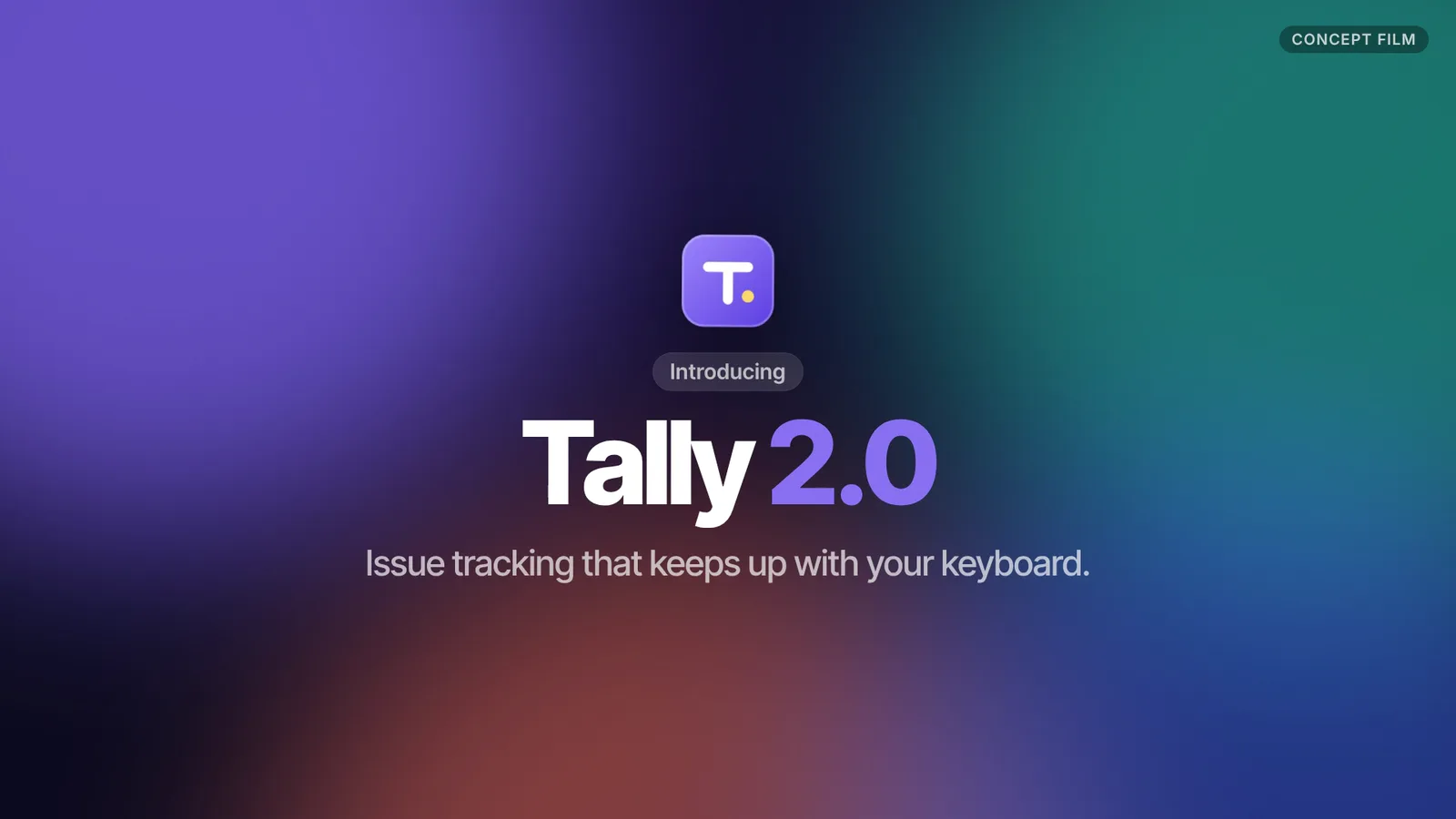
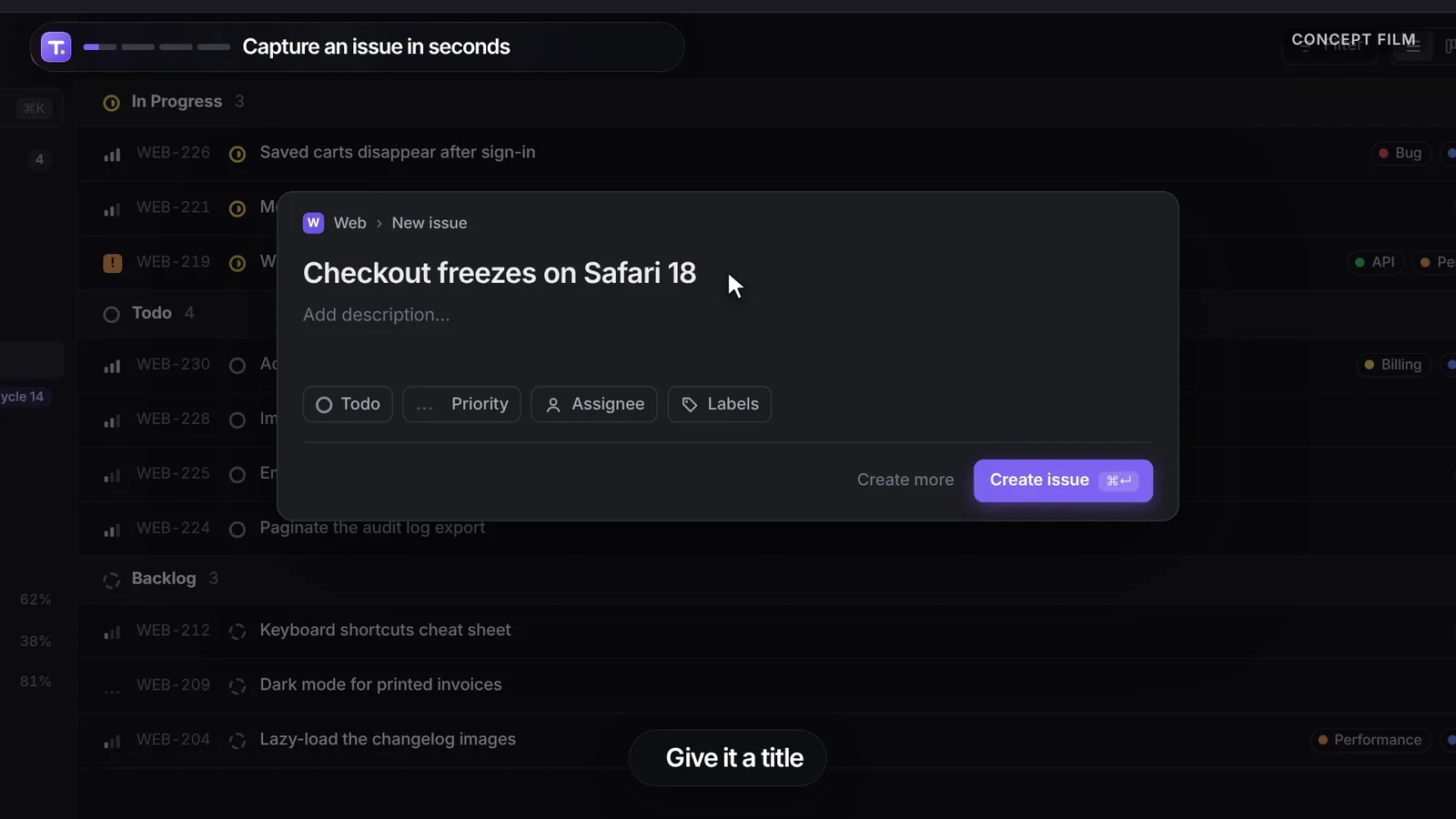
50-second example rendered by this skill from examples/tally · 1280×720
What you get
- A 40–60 s MP4 at 1080p or 4K from one brief of chapters and steps
- A camera that frames each step on its own, with eased zooms and motion blur
- Seven step types: click, type, key, hover, drag, scroll and wait, with timed reactions in the app
- Your app drawn as a live HTML mock it can type into, or your screenshots
- An original lo-fi house soundtrack with a tick, tap, whoosh or pop on every action, free to use
- Five wallpapers, light or dark captions, and your brand color on the cursor rings, chapters and URL button
- Two made-up example films to start from: a dark issue tracker and a light docs editor
- Open-source licenses for every part it builds on
Good fit
- SaaS teams launching a feature can show the real flow, click by click, without recording a screen, retaking typos or hiding notifications.
- Developer and productivity tools with keyboard shortcuts get big keycaps on screen, so a ⌘K or a single-key shortcut reads at a glance.
- Teams that ship every week can change one word or one step in the brief and render the walkthrough again, with the music re-timed to match.
Not for
- Recording a real screen session (it renders from a script)
- Vertical or square social cuts (16:9 only)
- Phone apps (it draws a desktop window; see App Preview Film)
- A 15 second social cut with hard cuts (see Cursor Walkthrough)
About this skill
A product walkthrough that looks like a polished screen recording but is rendered from a script. Your app sits in a window on a soft gradient wallpaper, and a virtual camera glides and zooms to every action with motion blur. A smooth cursor clicks with rings, text types letter by letter, menus open, rows land and toasts pop, shortcuts show as big keycaps, and numbered chapters and captions explain each step. It opens on a title card, ends on your URL and comes with a lo-fi house soundtrack whose clicks and key taps land on the picture.
Example request
Make a Zoom Cam walkthrough of our issue tracker: four chapters (new issue with C, assign from the command palette, drag on the board, the cycle chart) and an end card with tally.example.
How it works
Your agent
- 1
Agree what the film shows
It prints the page's title, description, headings, calls to action, colours and fonts, saves them to
site.json, and saveslogo.svgwhen the header has an inline SVG logo. - 2
Draw the screen (or collect screenshots)
Live mock. Write
app.html(a fragment, no<html>or<body>) andapp.cssthat draw the screen the person's users see. - 3
Write the brief
Product and look.
coloris the brand colour: it fills the chapter numbers, click rings, carets, progress bar and the URL button, and tints the wallpaper. - 4
Make the film
It copies the template into
my-film/, times the brief, writessoundtrack.wavon the same cue sheet, applies the brief and rendersmy-film/renders/<name>-1080p.mp4, plus a contact sheet with--stills. - 5
Check before you hand it over
Look at the contact sheet and the snapshots.
- 1
You get
What you need
- Node.js 22 or newer and FFmpeg (with
ffprobe) on the PATH. - HyperFrames runs through
npx, pinned to the version this template was tested with:npx --yes hyperframes@0.8.192. The first render downloads a headless Chrome of its own. Ifrendersays Chrome is missing, runnpx --yes hyperframes@0.8.192 browser ensureonce. - Network access to
fonts.googleapis.com(Inter, Inter Tight) andcdn.jsdelivr.net(GSAP). See Troubleshooting if either is blocked. - Chrome, Chromium or Edge for
capture.mjs, only if you read the product's site or take screenshots with it. SetCHROME_PATHif it isn't in the usual place. - Music is generated; nothing to license. You can pass your own track instead (step 4).
Last checked Nov 2, 2026: the package’s own build and render commands ran and passed.
If something goes wrong
A step does nothing, or the camera flies to the top-left corner.
Its selector matched nothing; look for a
[zoom-cam] no element for selectorwarning. Elements hidden withdisplay: nonecan't be measured; hide them withopacityandvisibilityinstead.The camera frames a dialog that isn't open yet.
That's expected: it measures where things will be. Use
focusto frame what the viewer should look at when the step starts.A new row pushes the camera's next target down.
The camera measures every target at the moment its step starts, so rows added earlier are already counted. If a change is still running when the next step starts, add
holdto the earlier step.
What’s in the download
- SKILL.md15.4 KB
- examples/
- examples/draftwell/37.9 KBa docs editor in light mode, four chapters (slash menu, AI rewrite, share dialog, comment thread) · 4 files
- examples/tally/48.3 KBan issue tracker in dark mode, four chapters (new issue, command palette, board drag, cycle chart) · 4 files
- scripts/
- scripts/apply-brief.mjs12.5 KBchecks the brief, times every step on the 100 BPM grid, writes
storyboard.jsandcues.json, and puts the app, mark, colours and music into the project - scripts/capture.mjs23.9 KBreads a site (title, headings, colours, logo) and takes screenshots with your Chrome
- scripts/chrome.mjs3.63 KB
- scripts/color.mjs1.40 KB
- scripts/make-film.mjs4.27 KBone command from brief to MP4 (template, timing, music, render, contact sheet)
- scripts/music.mjs10.2 KBwrites the original lo-fi house soundtrack with the interface sounds on the cue sheet
- template/
- template/film.css9.68 KBthe wallpaper, window, cursor and captions (every class starts with
zc-) - template/film.js21.7 KBthe camera, cursor, typing, reactions, captions, keycaps, chapter bar, title and end card on one GSAP timeline
- template/hyperframes.json298 B
- template/index.html2.77 KB
- template/package.json199 B
- NOTICE.md1.03 KB
- TESTED.json507 B
22 files · 194 KB · installs to ~/.claude/skills/zoom-cam-walkthrough for Claude Code and ~/.agents/skills/zoom-cam-walkthrough for other agents
Credits and licenses: NOTICE.md plus any LICENSE files inside the ZIP.
Similar Skills
View allDetails
- Output
- MP4 · 40–60 s · 1080p or 4K · with music
- Needs
- Node.js 22+ and FFmpeg
- Series
- Launch & Demo Films · 5 skills
- Updated
- Nov 2, 2026
- Checked
- Nov 2, 2026: its own commands ran and passed. That is a working check, not a security audit.
Written for
See all 31 agents that read skill folders.
Install guides
For your agent
Generates with
Installed it? Tell others how it went. Reviews come from people who installed this skill.
Write a reviewFAQ
Do I need a screen recording?
No. You draw the screen once as a small HTML and CSS mock, or give it screenshots, then write the steps in a brief: click, type, key, hover, drag, scroll or wait. make-film.mjs times every step on a 100 BPM grid and renders the MP4.
How does the camera know where to go?
It measures each step's target in the mock at the moment the step starts, then frames it with room around it, never closer than 620 by 350 app pixels, and stays still when the target is already in view. You can set focus or a zoom of your own on any step.
Where does the music come from?
music.mjs writes it: a lo-fi house track at 100 BPM with electric piano, sub bass and soft drums, with a trackpad tick on every click, a key tap on every letter, a whoosh on chapter changes and a pop on toasts, timed on the same cue sheet. It is generated by code in the package, so you may use it anywhere, or you can pass your own track.
Which agents is Zoom Cam Walkthrough written for?
Any agent that reads SKILL.md folders, including Claude Code, Codex, Cursor, GitHub Copilot, Gemini CLI and OpenCode.
Do I own what I make with it?
Yes. Everything your agent makes with this skill is yours, including for client and commercial work.
What if it doesn’t work for me?
Email support@lookbk.dev within 7 days of buying and we’ll fix it or refund you.
Credits and licensesBuilt on heygen-com/hyperframes
What Lookbk adds on top of heygen-com/hyperframes (Apache-2.0): Lookbk made this package from scratch: the camera, cursor, typing, keycaps, chapter system, step timing, music generator and both example apps were written for it on HyperFrames.
Credits and licenses for the open-source software and fonts it uses are in NOTICE.md inside the download.