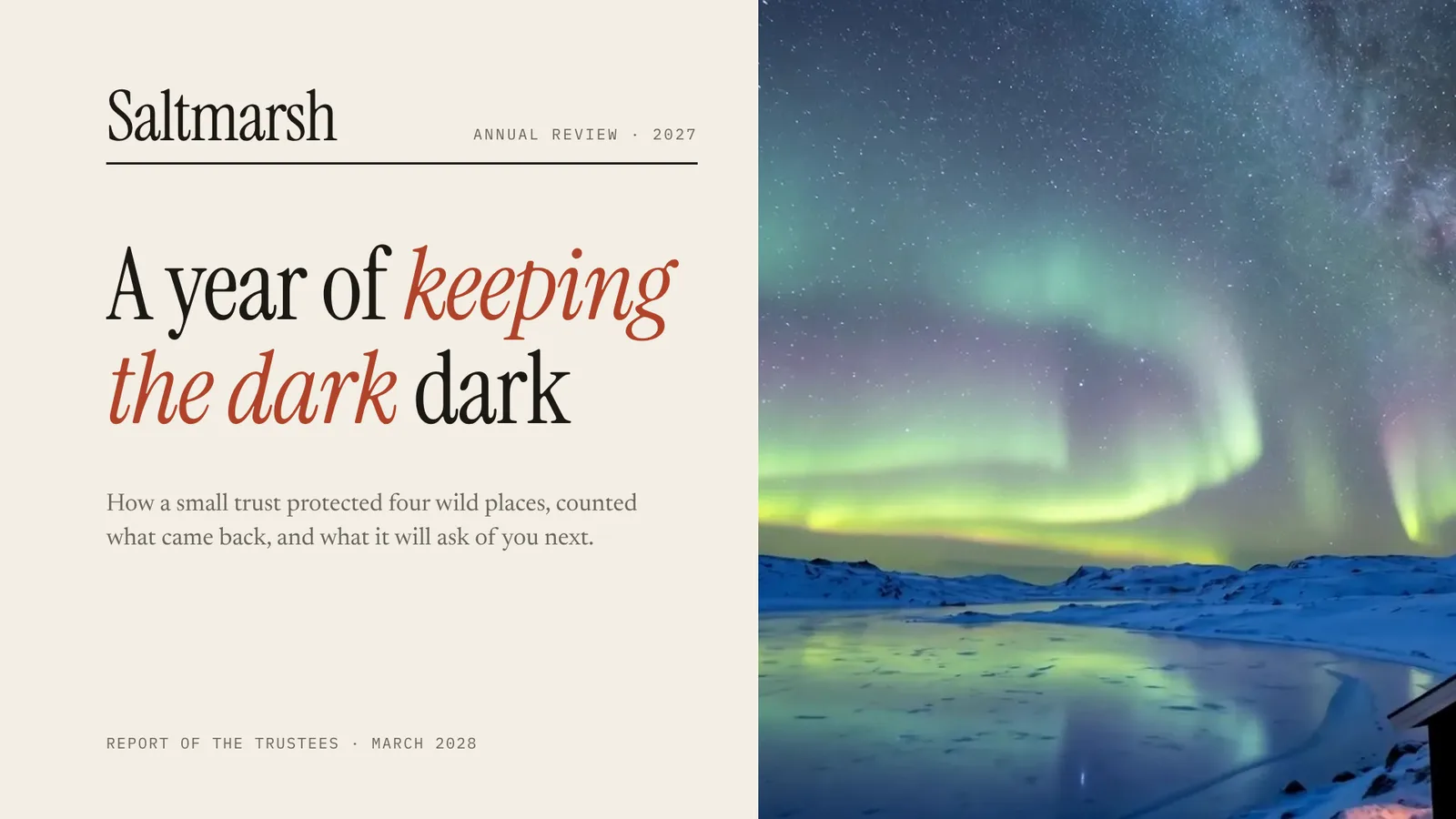
The page this skill built from examples/saltmarsh-review, working in your browser. Opens in a new tab. Also: Vey calibre.
10 slides built by this skill from examples/saltmarsh-review and examples/vey-calibre
Example settingswhat each example above was built from
examples/saltmarsh-reviewdeck.json
- Brand
- Saltmarsh
- Headline
- Saltmarsh Trust — Annual Review 2027
- Slides
- 10 (cover, contents, chapter, spread, figures, photo, pullquote, closing)
examples/vey-calibredeck.json
- Brand
- Atelier Vey
- Headline
- Atelier Vey — Calibre 9
- Slides
- 8 (cover, contents, chapter, figures, spread, photo, closing)
- Colors
- paper #eeece7 · ink #16181c · accent #8a5a12
What you get
- A browser deck in eight layouts: cover, contents, chapter, spread, photo, figures, pull quote and closing
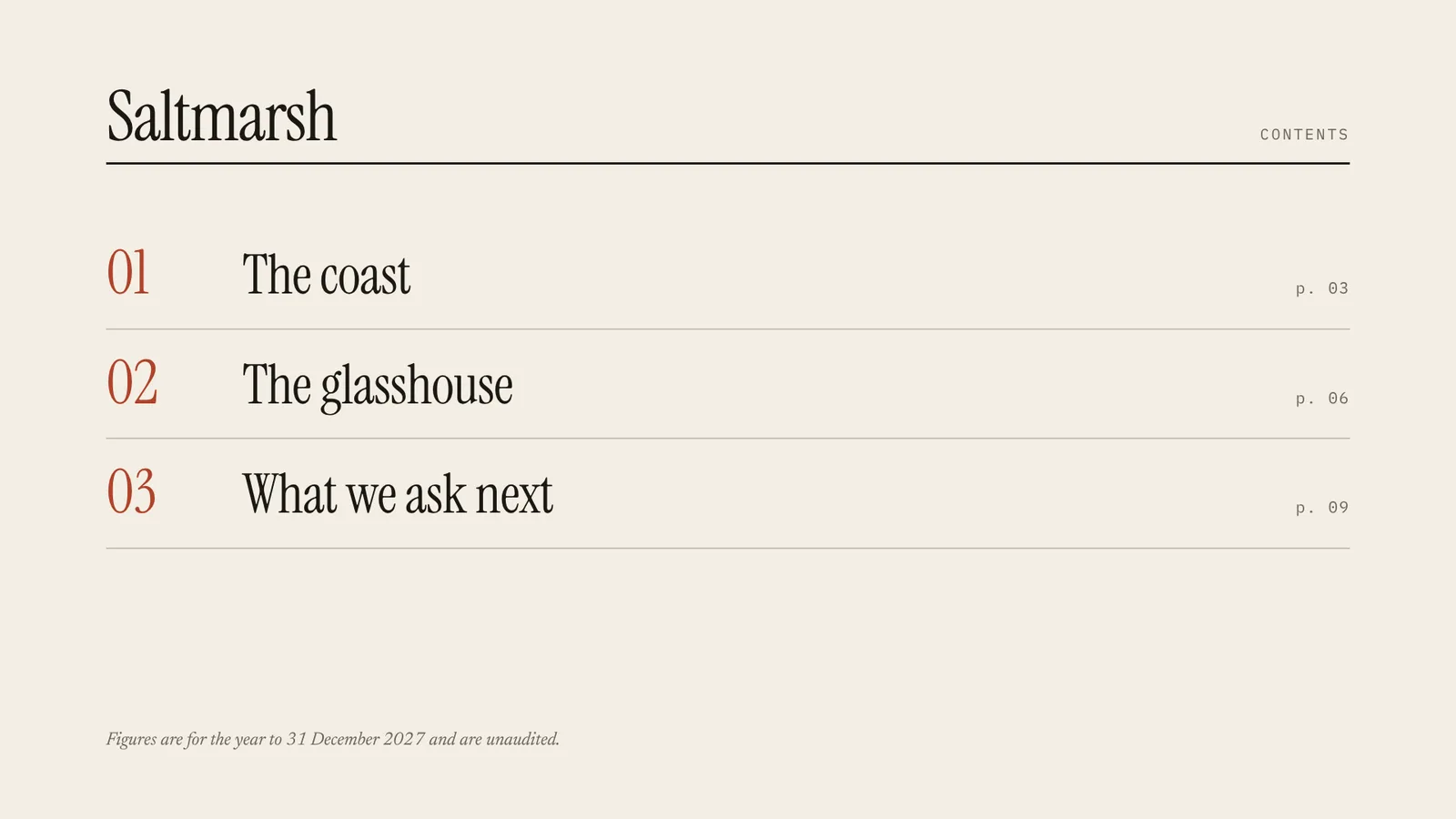
- A contents page written from your chapters, whose numbers grow into each chapter opener
- Two-column article spreads with a pull quote, and full-bleed photographs with a caption and credit
- A paper and an ink tone, any Google Fonts serif pair, with fit and contrast checked on every slide
- A PowerPoint file with the Morph transition, every photo, rule and text box named so the moves play there too
- A PDF, and two example decks: a conservation trust's annual review and a watchmaker's brand book
- Open-source licenses for every part it builds on
Good fit
- Teams presenting an annual review or impact report get a deck that reads like the printed report, with chapters and photographs.
- Brands telling their story at a launch or press day can open each chapter with a big numeral and a full-bleed photograph.
- Researchers and writers can present a long piece as spreads with columns and a pull quote, not bullet points.
Not for
- Investor numbers and charts (see Signal Deck)
- Product demos made of screenshots (see Product Tour Deck)
- Huge one-line talk slides (see Kinetic Type Deck)
About this skill
A deck set like a printed magazine: a masthead cover with a photograph, a contents page written from your chapters, chapter openers with a huge serif numeral, two-column article spreads with a pull quote, full-bleed photographs with captions, figures and a quote page, on paper or in ink. Between slides the page moves like a turned spread: the contents numbers grow into each chapter opener, the masthead rule slides to its next place and the photo crops to its new frame. Your agent builds it from your notes and photos, checks fit and contrast on every slide, and exports a PowerPoint file that moves the same way with PowerPoint's own Morph.
Example request
Make a Chapters Deck for our annual review from review.md and the photos in photos/: a masthead cover, contents, four chapters each with an opener and a spread or figures, a pull quote and a closing page, then export the PDF and a PPTX with Morph.
How it works
Your agent
- 1
Plan the issue
Turn the person's material into 8 to 20 slides in 2 to 6 chapters.
- 2
Write
deck.jsonTop level:
titleandorg(the masthead and running head) are required;issuesits beside the masthead;langdefaults toen. - 3
Build
It checks every slide, every photo (it exists, is a .jpg or .png, is wide enough for a full page) and the theme's contrast, lists every problem at once, then writes
out/index.htmland copies the photos intoout/media/. - 4
Check it and look at every slide
Errors (exit code 1): text that doesn't fit its box even at the smallest size, text running off the slide, overlapping text, photos that didn't load, and text below contrast (4.5:1, or 3:1 for large text) on what really lies behind it, measured on each slide photographed with its text hidden.
- 5
Export the PDF
It writes
out/index.pdf, one 1920×1080 page per slide, and checks the page count. - 6
Export the PowerPoint file (optional)
It writes
out/index.pptxon PowerPoint's widescreen page, with the Morph transition on every slide after the first. - 7
Hand it off
Give the person
out/(index.html and media/) to present in the browser,index.pdfto send or print, andindex.pptxto present or edit in PowerPoint.
- 1
You get
- out/index.html
- out/shots/slide-01.png
- out/index.pdf
- out/index.pptx
What you need
- Node.js 18 or newer.
- Chrome, Chromium or Edge installed, for the checks, the PDF and the PPTX. Set
CHROME_PATHif the scripts don't find it. - For the PPTX only:
npm i pptxgenjs@4.0.1in the folder you run the export from. - Internet access when the deck is opened, checked or exported, for the Google Fonts stylesheet.
- Optional but what makes it: photographs,
.jpgor.png, 1600 px wide or more, landscape. The person's own or ones they have the rights to. Without photos the deck is all type and still works.
Last checked Nov 2, 2026: the package’s own build and render commands ran and passed.
If something goes wrong
build: fix deck.json firstEach line names the slide, the field and the limit. A spread over 900 characters: split it into two spreads.
a contents page lists the chapters; add at least 2 chapter slidesGive the deck chapter openers, or drop the contents slide.
… px wide; full-bleed pages need 1600 px or moreUse a larger photo; small ones look soft on a projector.
What’s in the download
- SKILL.md11.7 KB
- assets/
- assets/base.css3.00 KBstage, overview, print
- assets/deck.css8.01 KBthe look of every layout
- assets/player.js21.7 KBthe browser player, the moves and the modes the scripts use
- examples/
- examples/saltmarsh-review/3.13 KBan annual review for a conservation trust, 10 slides, 4 photographs · 1 file
- examples/vey-calibre/2.46 KBa watchmaker's press book, 8 slides, one photograph travelling through it, Fraunces · 1 file
- scripts/
- scripts/build.mjs14.4 KBthe layouts, the contents page and chapter numbering, where photos and rules stand; checks
deck.jsonand buildsout/index.html. - scripts/check-deck.mjs5.21 KBfit, overlap and contrast checks, and the slide pictures.
- scripts/chrome.mjs3.63 KBheadless Chrome
- scripts/color.mjs1.40 KBcolour and contrast
- scripts/deck-core.mjs7.84 KBfield rules and validator
- scripts/export-pdf.mjs1.90 KBthe exports; the PPTX one names every picture, rule and text box for Morph and adds the transition.
- scripts/export-pptx.mjs9.78 KB
- scripts/headless.mjs1015 B
- scripts/png.mjs2.26 KBreads the check's screenshots
- NOTICE.md1.77 KBthird-party software, fonts and where the photos come from.
- TESTED.json614 B
17 files · 99.8 KB · installs to ~/.claude/skills/chapters-deck for Claude Code and ~/.agents/skills/chapters-deck for other agents
Credits and licenses: NOTICE.md plus any LICENSE files inside the ZIP.
Similar Skills
View allDetails
- Output
- Magazine-style HTML deck + PDF + PPTX with native Morph · 8 to 20 slides in 2 to 6 chapters
- Needs
- Node.js 18+ and Chrome for the checks and exports, your photos; pptxgenjs only for the PowerPoint file
- Series
- Decks · 10 skills
- Updated
- Nov 2, 2026
- Checked
- Nov 2, 2026: its own commands ran and passed. That is a working check, not a security audit.
Written for
See all 31 agents that read skill folders.
Install guides
For your agent
Generates with
Installed it? Tell others how it went. Reviews come from people who installed this skill.
Write a reviewFAQ
Does it move in PowerPoint?
Yes. Every slide after the first carries PowerPoint's Morph transition, and each photo, rule and text box is named with two exclamation marks plus its key, so the contents numbers grow into each chapter opener and the photos crop to their next frame. It plays in PowerPoint 2019, 2021, 2024 and Microsoft 365; older versions and Keynote fade instead.
Do I write the contents page?
No. You write the chapters; the build numbers them and writes the contents page from their titles and deks, so the two never disagree.
Can I change the fonts and colours?
Yes. Set the paper, ink and accent colours and any Google Fonts display, serif and mono faces in the theme. Each slide can be on paper or in ink, and the check measures fit and contrast on every slide before anything is exported.
Which agents is Chapters Deck written for?
Any agent that reads SKILL.md folders, including Claude Code, Codex, Cursor, GitHub Copilot, Gemini CLI and OpenCode.
Do I own what I make with it?
Yes. Everything your agent makes with this skill is yours, including for client and commercial work.
What if it doesn’t work for me?
Email support@lookbk.dev within 7 days of buying and we’ll fix it or refund you.
Credits and licensesBuilt on gitbrent/PptxGenJS
What Lookbk adds on top of gitbrent/PptxGenJS (MIT): the layouts, the contents and chapter numbering, the player, the checks and the exports, all written for Lookbk; the example photos are Lookbk footage stills. PptxGenJS (MIT) writes the PowerPoint file.
Credits and licenses for the open-source software and fonts it uses are in NOTICE.md inside the download.