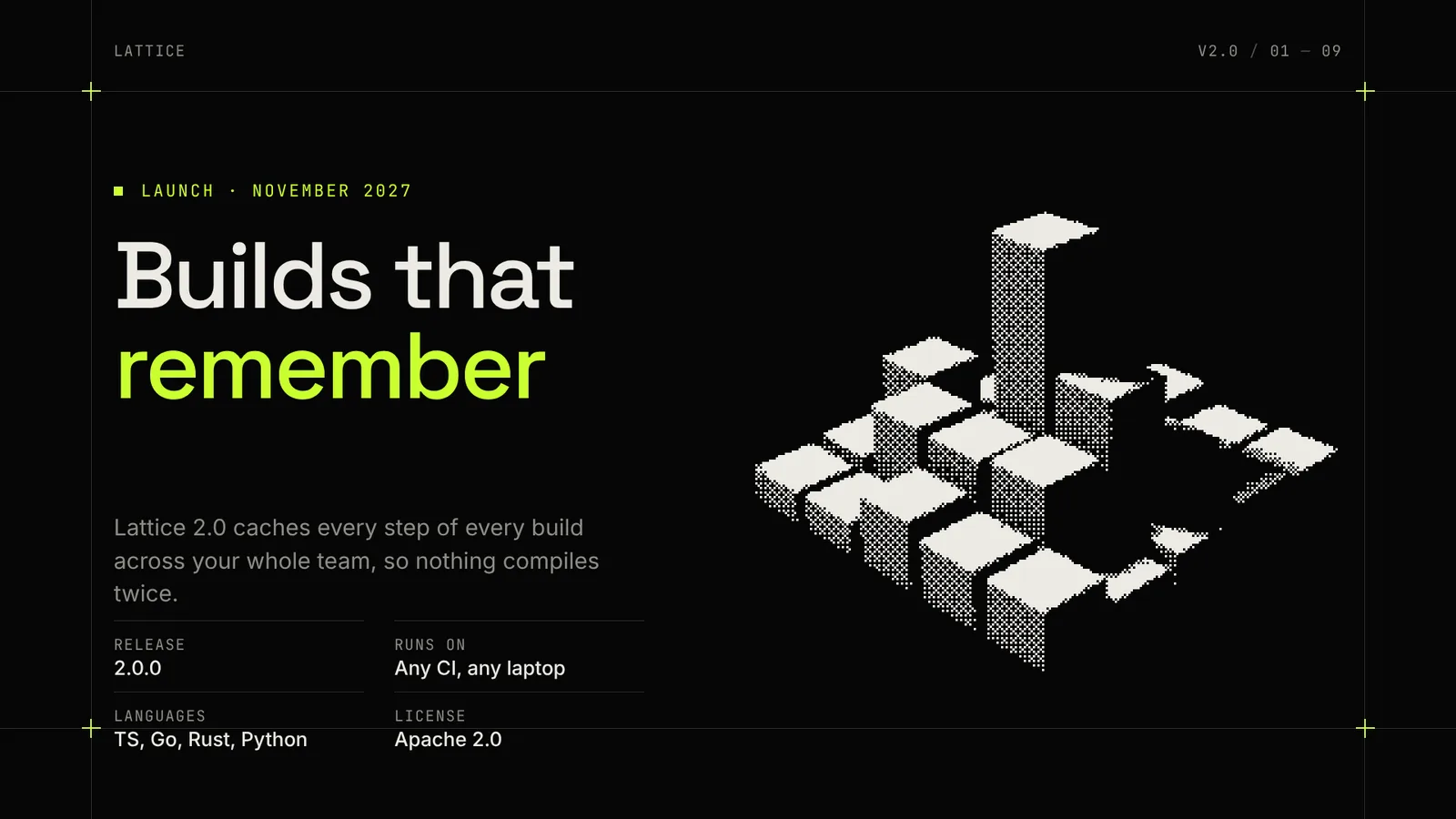
The page this skill built from examples/lattice-launch, working in your browser. Opens in a new tab. Also: Halcyon reveal.
10 slides built by this skill from examples/lattice-launch and examples/halcyon-reveal
Example settingswhat each example above was built from
examples/lattice-launchdeck.json
- Brand
- Lattice
- Headline
- Lattice 2.0 — Launch
- Slides
- 9
examples/halcyon-revealdeck.json
- Brand
- Halcyon
- Headline
- Halcyon N1 — Reveal
- Slides
- 8 (title, statement, image, number, specs, code, flow, closing)
- Colors
- accent #ff7a33
What you get
- A browser deck where a scan line sweeps each slide in and pictures resolve from coarse dots to fine
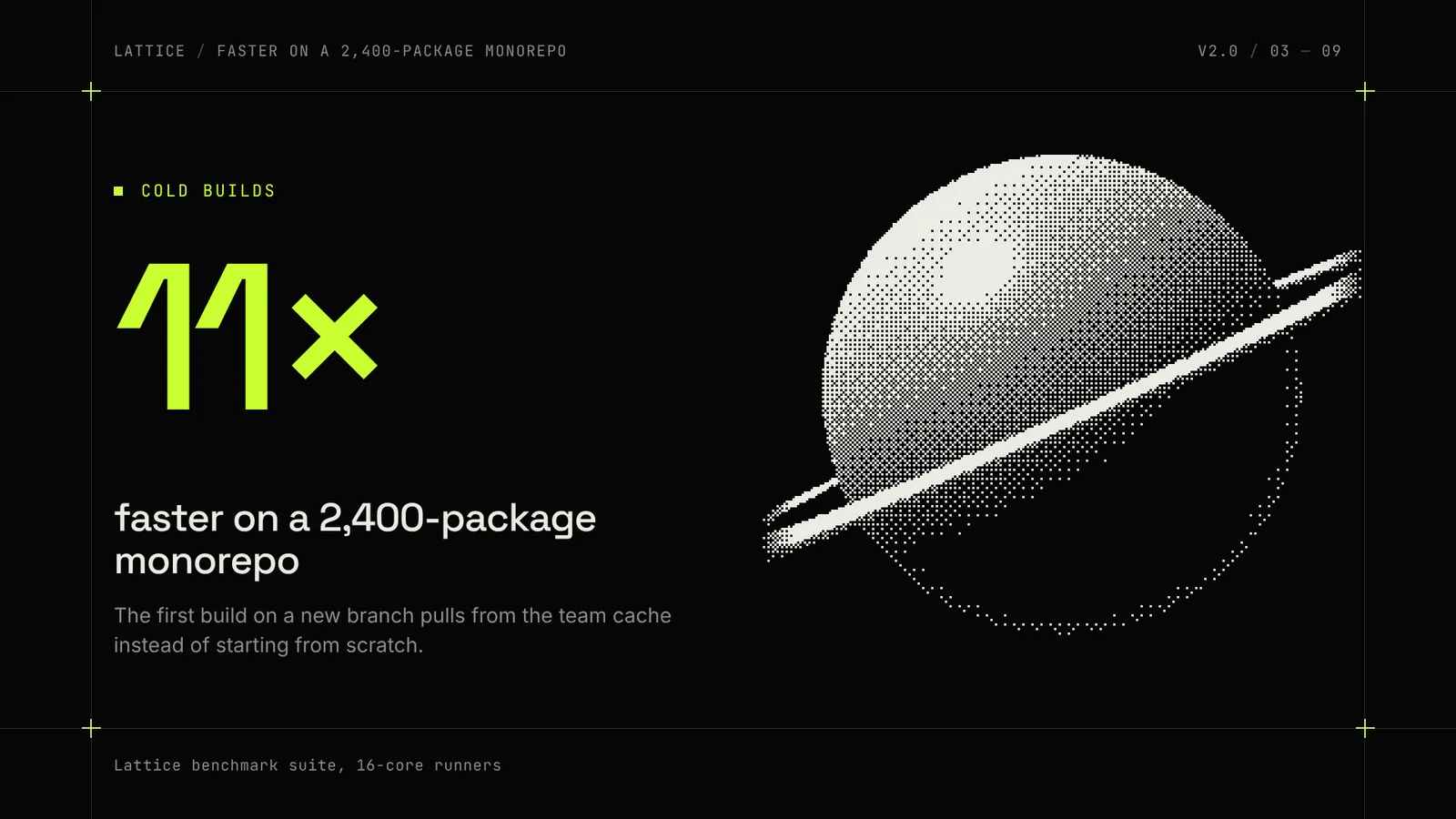
- Your renders and photos turned into ordered dither in your ink colour, the same dots in the HTML, PDF and PPTX
- Terminal code slides that colour prompts, comments, flags and success lines
- Spec table, big number and flow diagram layouts on a crosshair grid
- A PDF, and a PowerPoint file where every heading, number and code line is a real text box
- Two example decks: a build-tool 2.0 launch and an AI chip reveal
- Open-source licenses for every part it builds on
Good fit
- Developer tool and open source teams get a release keynote with a terminal slide, a flow diagram and the speed-up as one big number.
- Hardware and chip teams can reveal a product with dithered renders and a spec table that reads at the back of the hall.
- Engineering leads giving an all-hands can show code and architecture in a deck that looks designed, not pasted.
Not for
- Chart-heavy investor or board decks (see Signal Deck)
- Light, warm or colourful brand decks (see Chapters Deck or Morph Deck)
- Photographs that must stay photographic: every picture becomes dots
About this skill
A dark launch keynote in 1-bit: your renders and photos become ordered Bayer dither in your ink colour, set on a monospace grid with crosshairs and one acid accent. A laser line sweeps each slide in and pictures resolve from coarse dots to fine. Nine layouts cover a title with specs, a statement, a big number, a terminal code slide with coloured prompts and flags, a flow diagram, a spec table, a full-width picture, a quote and a closing page over a dithered horizon. Your agent builds it from release notes and a couple of renders, checks fit and contrast on every slide with the dots behind the text, and exports a PDF and an editable PowerPoint file.
Example request
Make a Dither Deck for our CLI's 2.0 launch from release.md and the two renders in renders/: a title with the key specs, the speed-up as a big number, a terminal slide with the install commands, how it works as a flow, a spec table and a closing page, then export the PDF and a PPTX.
How it works
Your agent
- 1
Plan the slides
Turn the material into 7 to 12 slides, one idea per slide.
- 2
Write
deck.jsonPicture paths are relative to
deck.json. - 3
Build
It checks every slide, every picture (it exists, it is a PNG, JPG or WebP) and the theme's contrast, lists every problem at once, then draws the dither in headless Chrome and writes
out/index.htmlandout/media/. - 4
Check it and look at every slide
Errors (exit code 1): text that doesn't fit its box even at the smallest size, text running off the slide, overlapping text, a picture that did not load, and text below contrast (4.5:1, or 3:1 for large text) on what really lies behind it, dots included.
- 5
Export the PDF
It writes
out/index.pdf, one 1920×1080 page per slide, and checks the page count. - 6
Export the PowerPoint file (optional)
It writes
out/index.pptxon PowerPoint's widescreen page and says how many dithered pictures it placed. - 7
Hand it off
Give the person
out/index.htmlwith itsmedia/folder to present in the browser (zip theoutfolder to send it),index.pdfto send round, andindex.pptxto edit in PowerPoint or Keynote.
- 1
You get
- out/index.html
- out/shots/slide-01.png
- out/index.pdf
- out/index.pptx
What you need
- Node.js 18 or newer.
- Chrome, Chromium or Edge installed, for drawing the dither, the checks, the PDF and the PPTX. Set
CHROME_PATHif the scripts don't find it. - For the PPTX only:
npm i pptxgenjs@4.0.1in the folder you run the export from. - Internet access when the deck is built, opened or exported, for the Google Fonts stylesheet.
- The person's own pictures (PNG, JPG or WebP): product renders, photos or diagrams they have the rights to. Plain subjects on a dark or plain background dither best. The deck never invents a picture or a figure.
Last checked Nov 2, 2026: the package’s own build and render commands ran and passed.
If something goes wrong
build: fix deck.json firstEach line names the slide, the field and the limit. Shorten rather than work around limits.
slide 4 (code).code[3] is 71 charactersTerminal lines are capped at 64 so the panel never wraps. Break the command with a trailing
\or shorten paths.A picture comes out as a solid white block
The render is too bright. Set
"gamma": 1.4or so indither, or darken its background.
What’s in the download
- SKILL.md13.6 KB
- assets/
- assets/base.css3.00 KBstage, overview, print
- assets/deck.css10.8 KBthe look and the motion of every layout
- assets/dither.js4.77 KBthe ordered (Bayer 8×8) dither and the horizon glow, run in headless Chrome at build time.
- assets/player.js18.4 KBthe browser player, the coarse-to-fine resolve and the modes the scripts use
- examples/
- examples/halcyon-reveal/3.59 KBa chip reveal, 8 slides, orange, Sora and IBM Plex Mono · 1 file
- examples/lattice-launch/3.82 KBa developer-tool launch, 9 slides, acid lime · 1 file
- scripts/
- scripts/build.mjs16.3 KBthe layouts, the code colouring, the theme rules and the dither jobs; checks
deck.json, draws the pictures and buildsout/index.html. - scripts/check-deck.mjs5.19 KBfit, overlap, picture and contrast checks, and the slide pictures.
- scripts/chrome.mjs3.63 KBheadless Chrome
- scripts/color.mjs1.40 KBcolour and contrast
- scripts/deck-core.mjs7.84 KBfield rules and validator
- scripts/export-pdf.mjs1.90 KBthe exports; the PPTX one places the dithered PNGs and rebuilds every text box and shape.
- scripts/export-pptx.mjs6.44 KB
- scripts/headless.mjs1015 B
- scripts/png.mjs2.26 KBreads the check's screenshots
- NOTICE.md1.71 KBthird-party software and fonts.
- TESTED.json619 B
18 files · 106 KB · installs to ~/.claude/skills/dither-deck for Claude Code and ~/.agents/skills/dither-deck for other agents
Credits and licenses: NOTICE.md plus any LICENSE files inside the ZIP.
Similar Skills
View allDetails
- Output
- Dark 1-bit HTML deck with scan-line reveals + PDF + editable PPTX · 9 layouts, 7 to 12 slides
- Needs
- Node.js 18+ and Chrome for the dither, checks and exports, a render or photo or two; pptxgenjs only for the PowerPoint file
- Series
- Decks · 10 skills
- Updated
- Nov 2, 2026
- Checked
- Nov 2, 2026: its own commands ran and passed. That is a working check, not a security audit.
Written for
See all 31 agents that read skill folders.
Install guides
For your agent
Generates with
Installed it? Tell others how it went. Reviews come from people who installed this skill.
Write a reviewFAQ
Do I need special pictures?
No. Any PNG, JPG or WebP works. Plain subjects on a dark background dither best, and gamma and contrast settings per picture tune how many dots it gets. Pictures fill and crop their box from the centre.
Is the PowerPoint file editable?
Yes. Every heading, number, table cell and code line is a real text box you can change. The dithered pictures and the horizon glow are placed as PNGs, so they look exactly like the browser deck.
Does the motion play in the PDF or PowerPoint?
No. The scan line and the coarse-to-fine resolve run in the browser deck. The PDF and the PowerPoint file show each finished slide, and PowerPoint fades between them.
Which agents is Dither Deck written for?
Any agent that reads SKILL.md folders, including Claude Code, Codex, Cursor, GitHub Copilot, Gemini CLI and OpenCode.
Do I own what I make with it?
Yes. Everything your agent makes with this skill is yours, including for client and commercial work.
What if it doesn’t work for me?
Email support@lookbk.dev within 7 days of buying and we’ll fix it or refund you.
Credits and licensesBuilt on gitbrent/PptxGenJS
What Lookbk adds on top of gitbrent/PptxGenJS (MIT): the layouts, the dither, the scan-line player, the checks and the exports, all written for Lookbk; the example renders were made for Lookbk with our own ray-marcher. PptxGenJS (MIT) writes the PowerPoint file.
Credits and licenses for the open-source software and fonts it uses are in NOTICE.md inside the download.