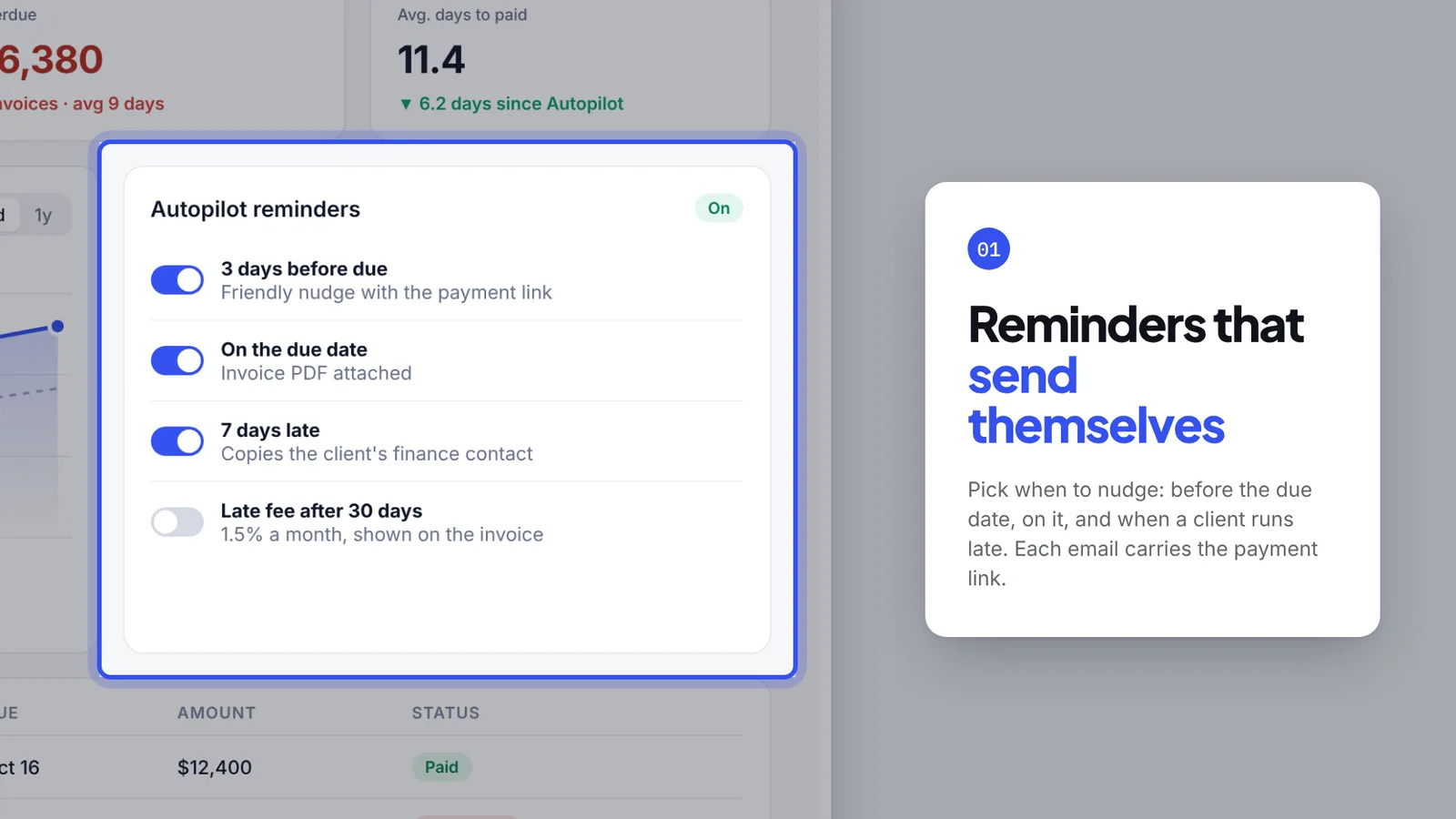
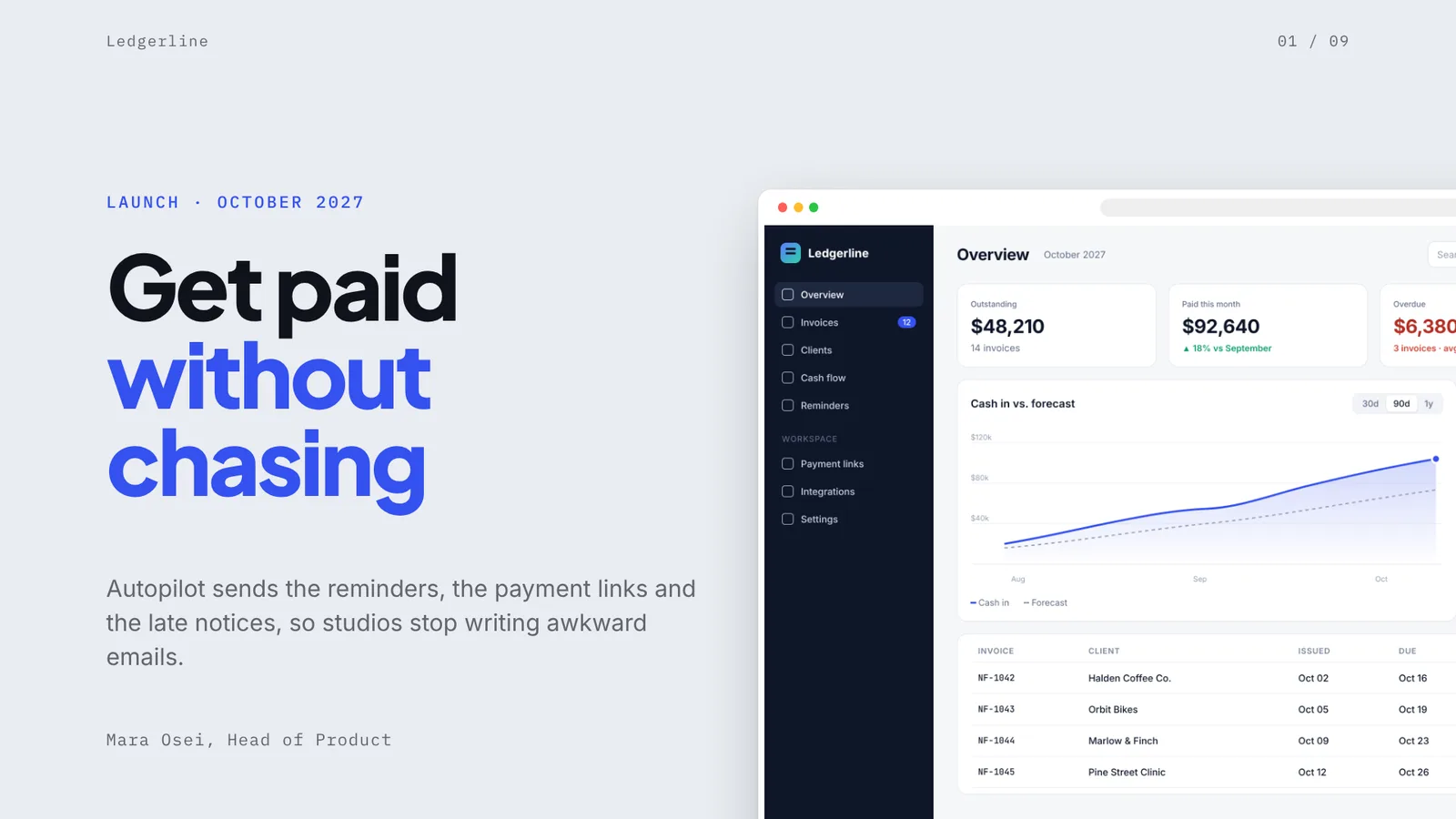
The page this skill built from examples/ledgerline-launch, working in your browser. Opens in a new tab. Also: Tidepool demo.
10 slides built by this skill from examples/ledgerline-launch and examples/tidepool-demo
Example settingswhat each example above was built from
examples/ledgerline-launchdeck.json
- Brand
- Ledgerline
- Headline
- Ledgerline — Autopilot launch
- Slides
- 9 (title, screen, zoom, compare, phone, quote, closing)
examples/tidepool-demodeck.json
- Brand
- Tidepool
- Headline
- Tidepool — Product demo
- Slides
- 8 (title, phone, zoom, screen, list, closing)
- Colors
- desk #e6eef1 · ink #06131c · accent #0b7da0
What you get
- A browser deck where a camera flies between your screenshots and into each feature
- Close-ups with a ring around the feature, a soft shade over the rest and a numbered card
- Browser window and phone frames drawn for you, so screenshots need no toolbar
- A PowerPoint file with the Morph transition, every screenshot, frame, ring and text box named so the zooms play there too
- A contrast check on what really lies behind every line, and checks that every focus sits inside its screenshot
- A PDF of the finished slides, and two example decks with their screenshots
- Open-source licenses for every part it builds on
Good fit
- Product teams launching a feature can walk the audience from the whole screen into each new control, with a card that says what it does.
- Sales engineers get a demo deck that still works when the live product or the conference wifi does not.
- Founders pitching software can show the product itself, in a browser window and on a phone, instead of a diagram of it.
Not for
- Decks with no product to show yet (see Morph Deck or Swiss Grid Deck)
- Investor numbers and charts (see Signal Deck)
- Screen recordings: it moves a camera over stills, it does not play video
About this skill
A deck made of your product: screenshots in a browser window or a phone on a quiet desk, and a camera that flies into each feature you point at, with a ring around it, the rest of the screen under a soft shade and a numbered card that says what it does. Stepping through flies the camera out to the whole screen, across to the next feature and over to the phone. Your agent builds it from your notes and 2× screenshots, checks every line of text against what lies behind it, and exports a PowerPoint file that does the same zooms with PowerPoint's own Morph transition.
Example request
Make a Product Tour Deck for our feature launch from launch.md and the screenshots in shots/: the whole dashboard, then close-ups of the three new features, the phone app and a customer quote, and export the PDF and a PPTX with Morph.
How it works
Your agent
- 1
Plan the tour
Turn the person's material into 6 to 14 slides.
- 2
Write
deck.jsonTop level:
title,organdscreensare required;langdefaults toen. - 3
Build
It checks every slide, every screenshot (it exists, its size, landscape for a browser and portrait for a phone, wide enough to zoom into) and every focus (inside its screenshot, not tiny), lists every problem at once, then writes
out/index.htmland copies the screenshots intoout/media/. - 4
Check it and look at every slide
Errors (exit code 1): text that doesn't fit its box even at the smallest size, text running off the slide, overlapping text, screenshots that didn't load, and text below contrast (4.5:1, or 3:1 for large text) on what really lies behind it, measured on each slide photographed with its text hidden.
- 5
Export the PDF
It writes
out/index.pdf, one 1920×1080 page per slide, and checks the page count. - 6
Export the PowerPoint file (optional)
It writes
out/index.pptxon PowerPoint's widescreen page, with the Morph transition on every slide after the first. - 7
Hand it off
Give the person
out/(index.html and media/) to present in the browser,index.pdfto send, andindex.pptxto present or edit in PowerPoint.
- 1
You get
- out/index.html
- out/shots/slide-01.png
- out/index.pdf
- out/index.pptx
What you need
- Node.js 18 or newer.
- Chrome, Chromium or Edge installed, for the checks, the PDF and the PPTX. Set
CHROME_PATHif the scripts don't find it. - For the PPTX only:
npm i pptxgenjs@4.0.1in the folder you run the export from. - Internet access when the deck is opened, checked or exported, for the Google Fonts stylesheet.
- Screenshots of the product at 2× (Retina),
.pngor.jpg: browser screens about 2880 × 1800 (a 1440 × 900 window), phone screens about 1179 × 2556. Without the browser's own toolbar; the deck draws the window. Take them with real-looking data, never a customer's.
Last checked Nov 2, 2026: the package’s own build and render commands ran and passed.
If something goes wrong
build: fix deck.json firstEach line names the slide, the field and the limit. Shorten rather than work around limits.
… px wide is too small to zoom intoTake the screenshot again at 2× (on a Retina screen, or with the browser zoomed to 200%, or with your screenshot tool's 2× option).
The ring is in the wrong place
The focus is in screenshot pixels, not CSS pixels; multiply what dev tools shows by 2 (or 3 for a phone).
What’s in the download
- SKILL.md12.8 KB
- assets/
- assets/base.css3.00 KBstage, overview, print
- assets/deck.css6.51 KBthe look of every layout
- assets/player.js22.3 KBthe browser player, the camera moves and the modes the scripts use
- examples/
- examples/ledgerline-launch/3.03 KBa feature launch for an invoicing app, 9 slides, two browser screens and a phone · 1 file
- examples/tidepool-demo/2.92 KBa demo for a swim-training app, 8 slides, two phone screens and a coach dashboard · 1 file
- scripts/
- scripts/build.mjs20.4 KBthe layouts, the camera (whole screen, close-up, the shade around the ring), the window and phone frames; checks
deck.jsonand buildsout/index.html. - scripts/check-deck.mjs6.01 KBfit, overlap and contrast checks, the "camera doesn't move" warning, and the slide pictures.
- scripts/chrome.mjs3.63 KBheadless Chrome
- scripts/color.mjs1.40 KBcolour and contrast
- scripts/deck-core.mjs7.84 KBfield rules and validator
- scripts/export-pdf.mjs1.90 KBthe exports; the PPTX one names every picture and shape for Morph and adds the transition.
- scripts/export-pptx.mjs9.84 KB
- scripts/headless.mjs1015 B
- scripts/png.mjs2.26 KBreads the check's screenshots
- NOTICE.md1.67 KBthird-party software, fonts and where the screenshots come from.
- TESTED.json629 B
17 files · 107 KB · installs to ~/.claude/skills/product-tour-deck for Claude Code and ~/.agents/skills/product-tour-deck for other agents
Credits and licenses: NOTICE.md plus any LICENSE files inside the ZIP.
Similar Skills
View allDetails
- Output
- HTML deck with a camera that zooms into your screenshots + PDF + PPTX with native Morph · 6–14 slides
- Needs
- Node.js 18+ and Chrome for the checks and exports, 2× screenshots of your app; pptxgenjs only for the PowerPoint file
- Series
- Decks · 10 skills
- Updated
- Nov 2, 2026
- Checked
- Nov 2, 2026: its own commands ran and passed. That is a working check, not a security audit.
Written for
See all 31 agents that read skill folders.
Install guides
For your agent
Generates with
Installed it? Tell others how it went. Reviews come from people who installed this skill.
Write a reviewFAQ
Does the zoom play in PowerPoint?
Yes. Every slide after the first carries PowerPoint's Morph transition, and each screenshot, frame, ring and text box is named with two exclamation marks plus its key, so Morph flies the same screenshot from the whole-screen view into the close-up. It plays in PowerPoint 2019, 2021, 2024 and Microsoft 365; older versions and Keynote fade instead.
What screenshots do I need?
Screenshots of your app at 2×, about 2880 × 1800 for a browser screen and 1179 × 2556 for a phone, without the browser toolbar. The deck draws the window and the phone around them. The build refuses ones too small to zoom into.
How do I tell it where to zoom?
Give each close-up a focus: the box around the feature in the screenshot, in its own pixels. Any image viewer that shows pixel positions gives you the numbers, or your browser dev tools times two. The camera leaves a margin and stops before text goes soft.
Which agents is Product Tour Deck written for?
Any agent that reads SKILL.md folders, including Claude Code, Codex, Cursor, GitHub Copilot, Gemini CLI and OpenCode.
Do I own what I make with it?
Yes. Everything your agent makes with this skill is yours, including for client and commercial work.
What if it doesn’t work for me?
Email support@lookbk.dev within 7 days of buying and we’ll fix it or refund you.
Credits and licensesBuilt on gitbrent/PptxGenJS
What Lookbk adds on top of gitbrent/PptxGenJS (MIT): the layouts, the camera, the frames, the checks and the exports, all written for Lookbk; the example apps were designed for Lookbk. PptxGenJS (MIT) writes the PowerPoint file.
Credits and licenses for the open-source software and fonts it uses are in NOTICE.md inside the download.