Animated presentation templates that move between slides
Most "animated" templates are a fly-in on every bullet. These decks move the way a keynote does: shapes and words travel from one slide to the next, charts draw themselves, a camera flies into a screenshot. Each one is a skill, so your agent fills it from your notes and hands you the browser deck, a PDF and a PowerPoint file.
Free skills to start. Pro is $79 a year for every skill, or $9.99 a month for 10. See pricing


Animated slides, by the kind of motion
These are the Lookbk deck skills whose slides move, picked from our own catalog, so this is not a survey of every template site. For each we say where the motion survives: some carry it into PowerPoint with the Morph transition, others animate only in the browser deck and give PowerPoint stills. All eight are Pro skills; Swiss Grid Deck, the free deck, does not animate.
- Morph DeckClaude CodeCodexCursor+3 more agents
01 · Decks · Pro
Morph Deck
HTML deck that morphs + PDF + PPTX with native Morph · 6–14 slides
The pick for PowerPoint Morph. A small cast (a big round sun, a pill, a dot and your product cut-out) travels from slide to slide: the sun shrinks to a corner, unrolls into a panel and becomes the tallest bar of a chart. The PPTX does the same moves with PowerPoint’s own Morph, and every shape stays a shape you can recolor.
Worth knowing: Morph plays in PowerPoint 2019 and later and Microsoft 365. Keynote and older PowerPoint show a fade; Google Slides shows each slide still. It needs a PNG cut-out of your product.
Needs: Node.js 18+ and Chrome for the checks and exports; pptxgenjs only for the PowerPoint file
See what Morph Deck makes
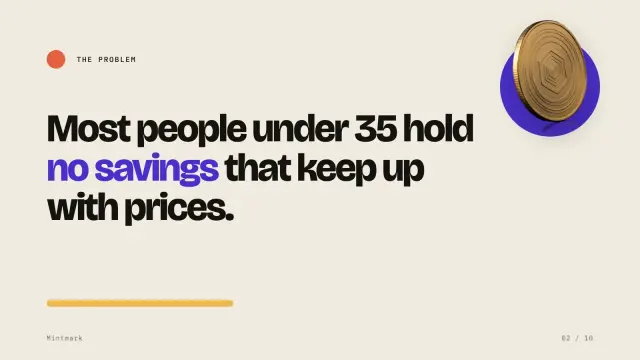
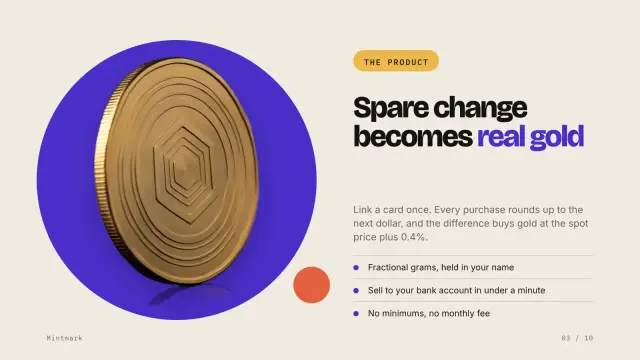
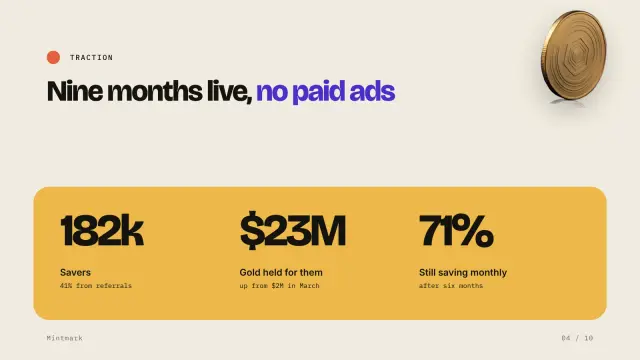
Mintmark Seed · 8 slides 
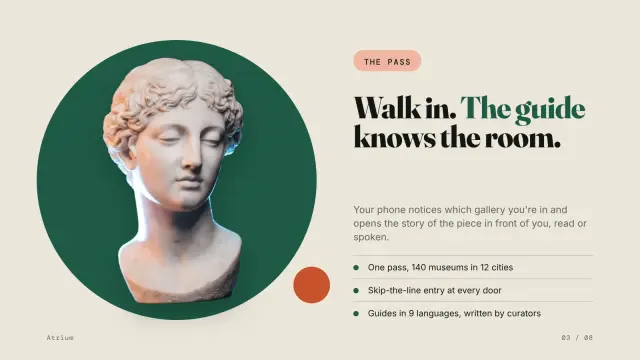

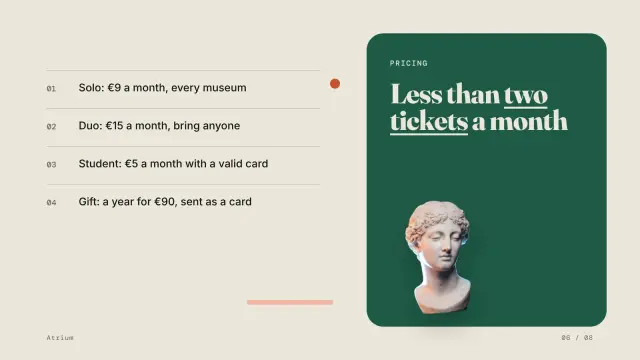
Atrium Launch · 4 slides - Kinetic Type DeckClaude CodeCodexCursor+3 more agents
02 · Decks · Pro
Kinetic Type Deck
Big-type HTML deck where words move + PDF + PPTX with Morph by word · 8 to 20 slides
For a talk. Huge type on flat color, one idea a slide, and between slides the words move: a word on both slides glides to its new size and place, new words rise one by one and a big figure counts up. The PowerPoint file moves word by word with Morph set to Words.
Worth knowing: It is built for words and figures; there is no photo layout.
Needs: Node.js 18+ and Chrome for the checks and exports; pptxgenjs only for the PowerPoint file
See what Kinetic Type Deck makes
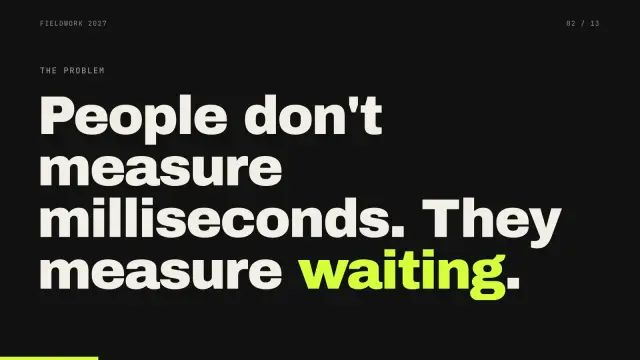
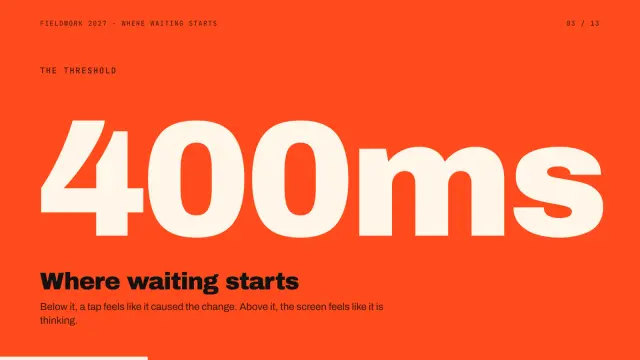

Tessel Speed Talk · 8 slides 

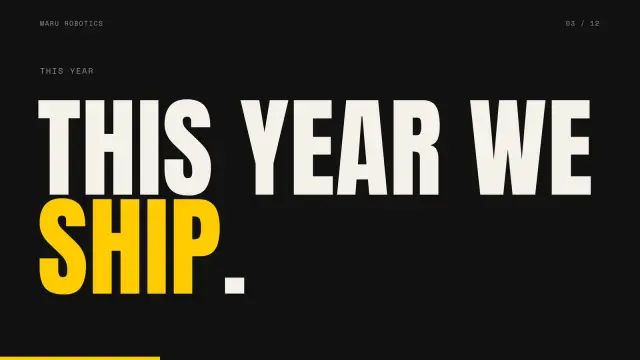

Maru Kickoff · 6 slides - Product Tour DeckClaude CodeCodexCursor+3 more agents
03 · Decks · Pro
Product Tour Deck
HTML deck with a camera that zooms into your screenshots + PDF + PPTX with native Morph · 6–14 slides
For a product demo. Your screenshots sit in a browser window or a phone, and a camera flies into each feature you point at, rings it and dims the rest while a numbered card says what it does. The PPTX zooms the same way with Morph, from your 2× screenshots.
Needs: Node.js 18+ and Chrome for the checks and exports, 2× screenshots of your app; pptxgenjs only for the PowerPoint file
See what Product Tour Deck makes

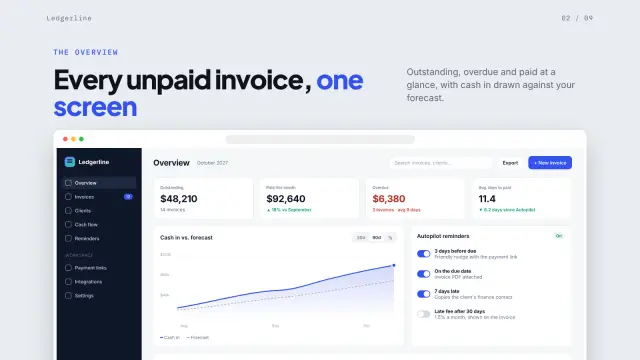

Ledgerline Launch · 6 slides 
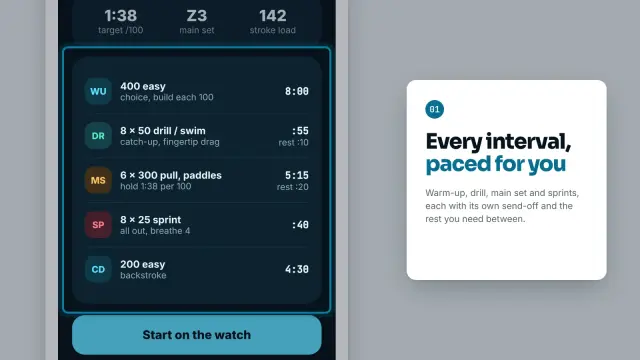


Tidepool Demo · 4 slides - Chapters DeckClaude CodeCodexCursor+3 more agents
04 · Decks · Pro
Chapters Deck
Magazine-style HTML deck + PDF + PPTX with native Morph · 8 to 20 slides in 2 to 6 chapters
Magazine pages that turn: a masthead cover, a contents page, chapter openers with a huge serif numeral and photo spreads. The contents numbers grow into each chapter opener and photos re-crop to their next frame, in the browser and in PowerPoint through Morph.
Needs: Node.js 18+ and Chrome for the checks and exports, your photos; pptxgenjs only for the PowerPoint file
See what Chapters Deck makes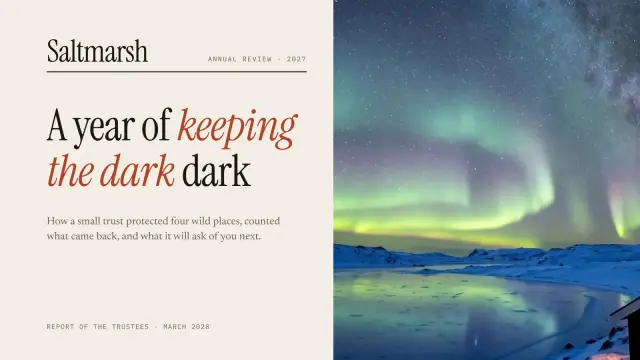
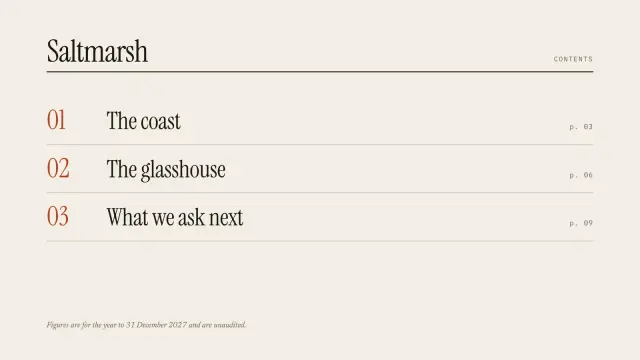
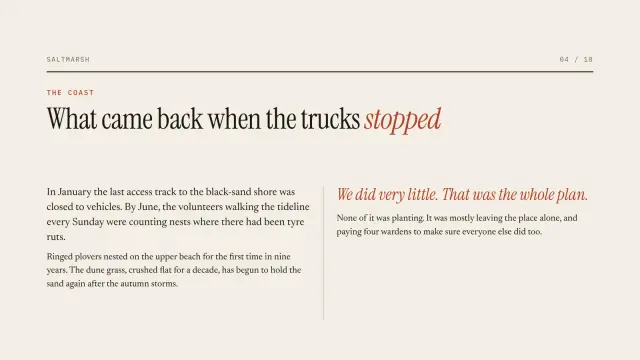
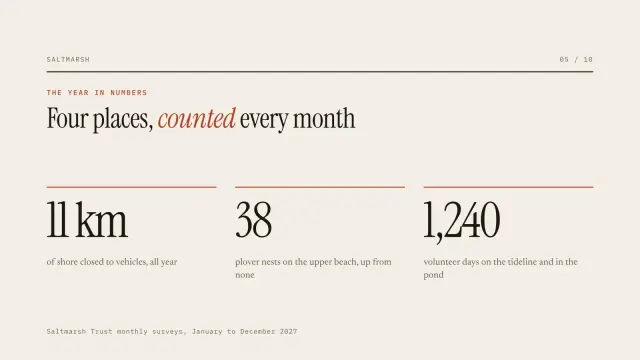
Saltmarsh Review · 6 slides 
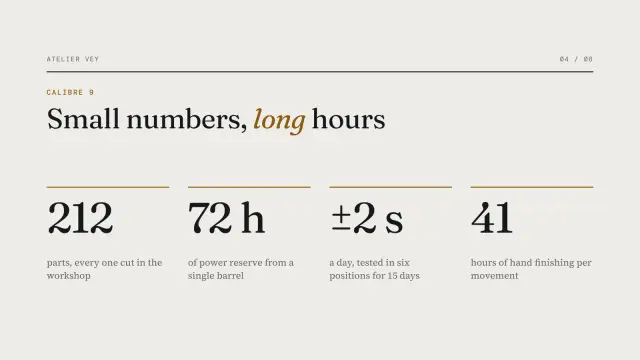
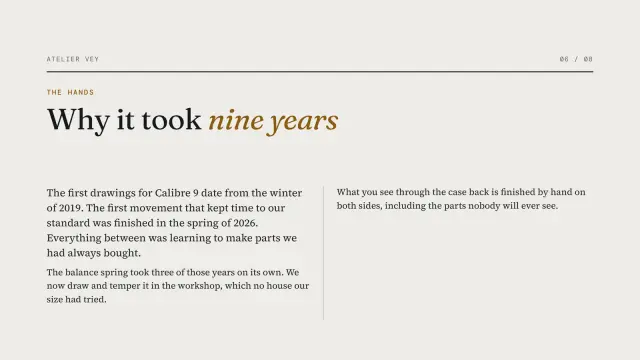
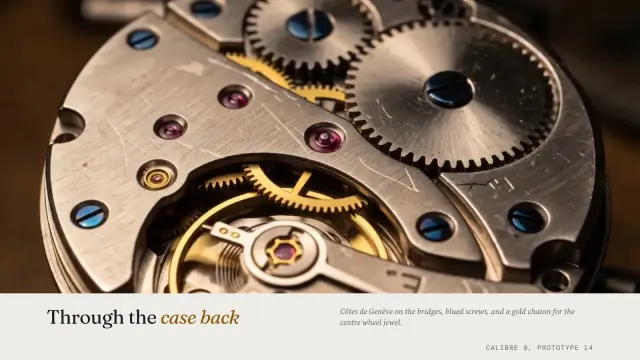
Vey Calibre · 4 slides - Signal DeckClaude CodeCodexCursor+3 more agents
05 · Decks · Pro
Signal Deck
Dark HTML deck with charts that draw + PDF + PPTX with editable charts · 6–12 slides
For numbers that need to land. A dark board or investor deck where the line chart draws itself with your plan dashed underneath, bars grow and the donut sweeps round each time a slide opens.
Worth knowing: The motion is in the browser deck. In PowerPoint the charts are real, editable charts that sit still.
Needs: Node.js 18+ and Chrome for the checks and exports; pptxgenjs only for the PowerPoint file
See what Signal Deck makes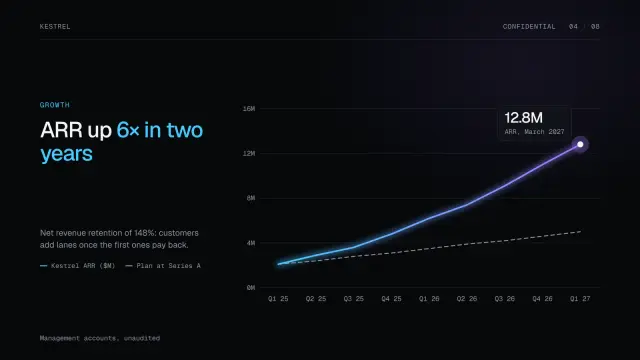

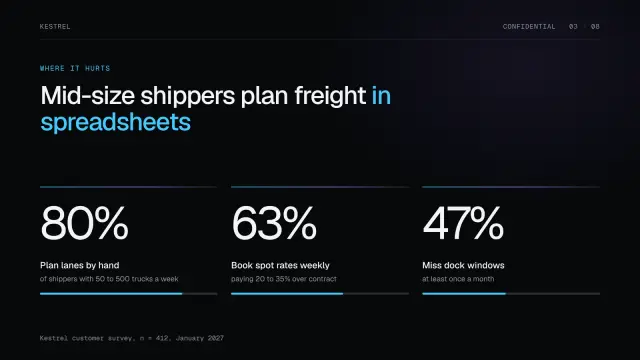
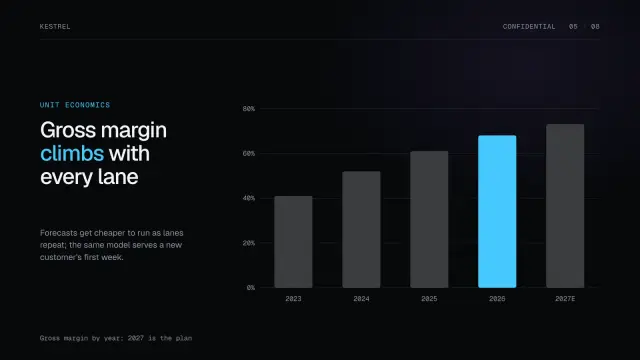
Kestrel Series B · 7 slides 
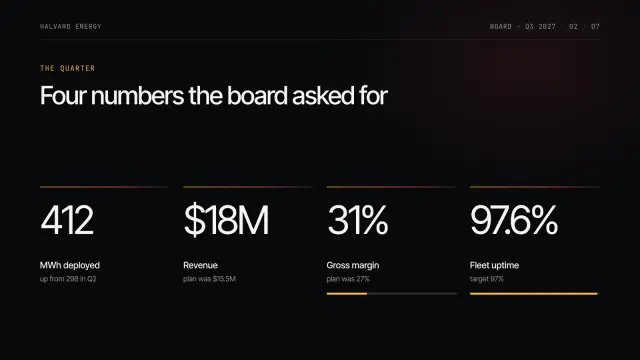
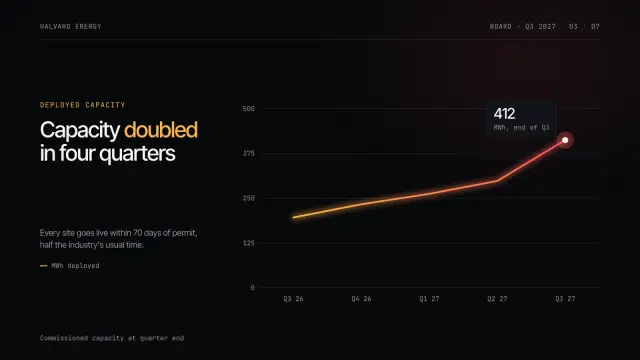
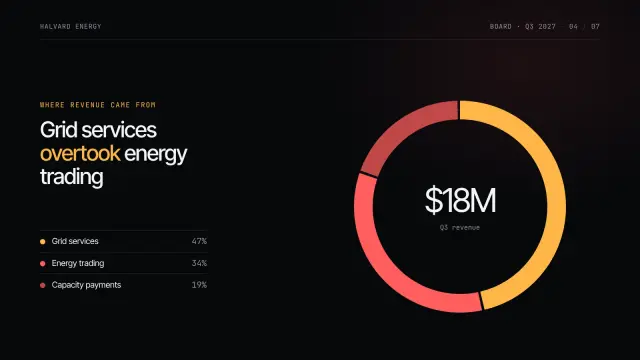
Halvard Board Q3 · 5 slides - Cinema DeckClaude CodeCodexCursor+3 more agents
06 · Decks · Pro
Cinema Deck
HTML deck with films + PDF + PPTX with playing video · 6–16 slides
Slides over looping film: a letterbox title card, chapter cards, big numbers along the bottom and end credits. It is the one deck here whose PowerPoint file plays video, each film set to start on its own, loop and stay muted.
Worth knowing: You bring the clips or stills. Each film adds 1 to 4 MB to the PowerPoint file.
Needs: Node.js 18+, ffmpeg, Chrome for the checks and exports; pptxgenjs only for the PowerPoint file
See what Cinema Deck makes



Stayward Series A · 8 slides 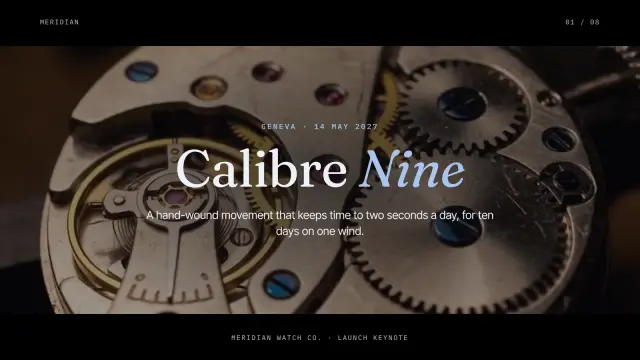
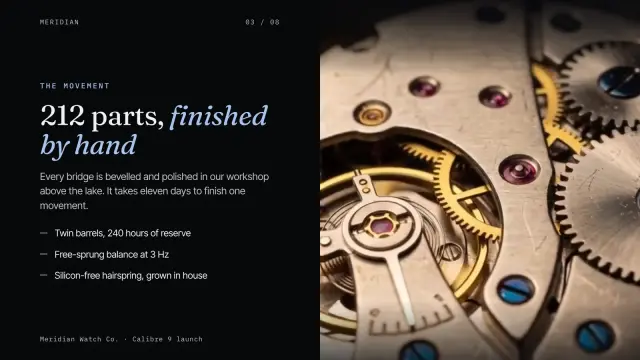
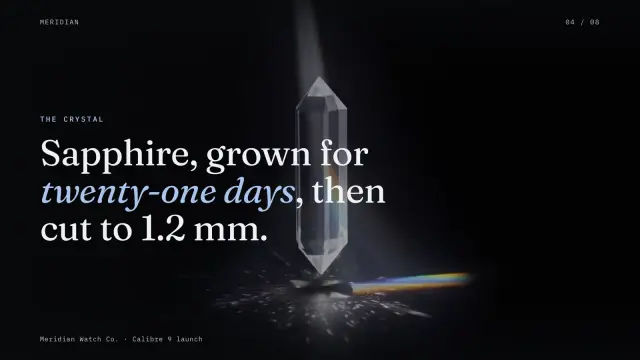
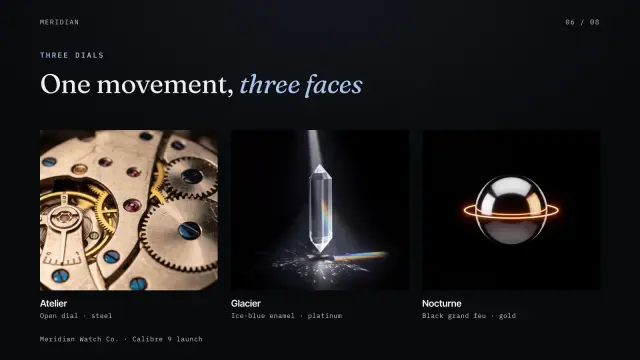
Meridian Launch · 4 slides - Glass Keynote DeckClaude CodeCodexCursor+3 more agents
07 · Decks · Pro
Glass Keynote Deck
HTML deck with motion + PDF + PPTX · 8–20 slides
The stage keynote look: frosted glass over a dark ground lit by drifting glows, gradient numbers, sparklines and a roadmap, with slides that animate in as you present from the browser.
Worth knowing: In the PPTX each slide’s glass and glow is one picture under editable text, so it does not move there.
Needs: Node.js 18+, Chrome for the checks and exports; pptxgenjs only for the PowerPoint file
See what Glass Keynote Deck makes



Tessellate Q4 · 8 slides 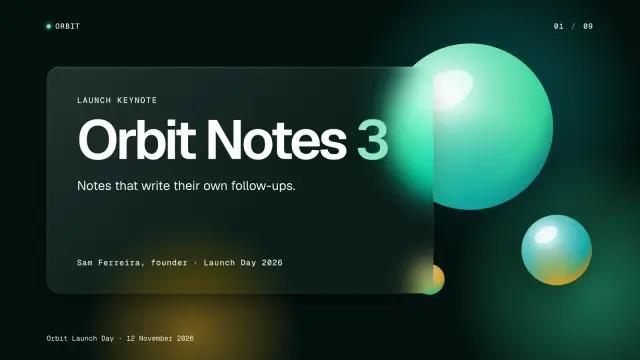

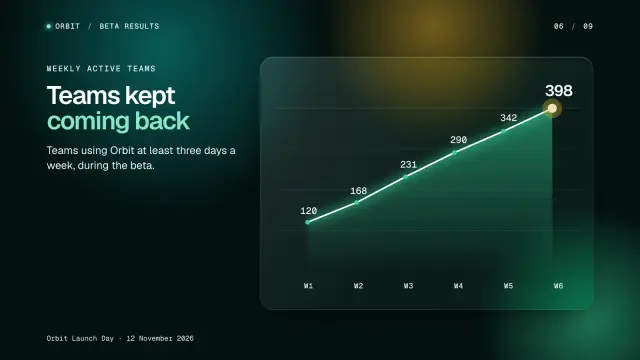
Orbit Launch · 3 slides - Dither DeckClaude CodeCodexCursor+3 more agents
08 · Decks · Pro
Dither Deck
Dark 1-bit HTML deck with scan-line reveals + PDF + editable PPTX · 9 layouts, 7 to 12 slides
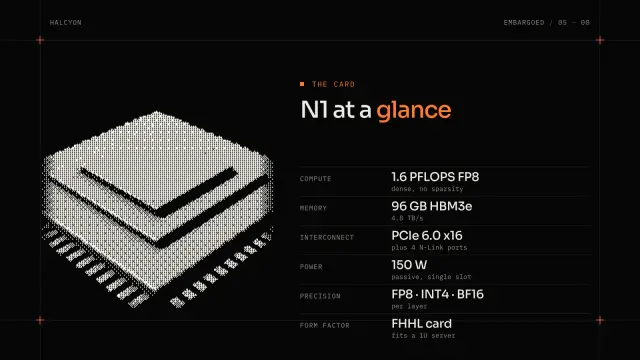
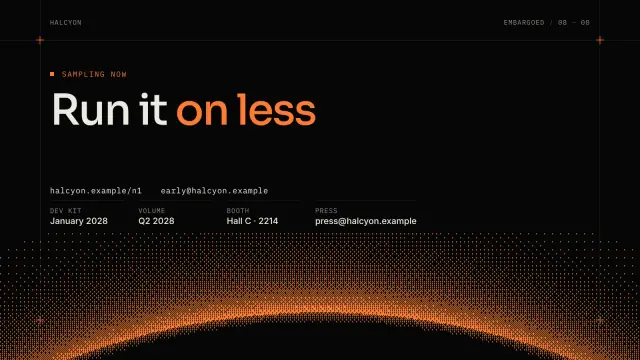
A 1-bit technical launch: a laser line sweeps each slide in and your renders resolve from coarse dots to fine, on a monospace grid with one acid accent. Made for chip, hardware and developer-tool launches.
Worth knowing: The sweep and the resolve happen in the browser deck; PowerPoint gets the same dots as still pictures.
Needs: Node.js 18+ and Chrome for the dither, checks and exports, a render or photo or two; pptxgenjs only for the PowerPoint file
See what Dither Deck makes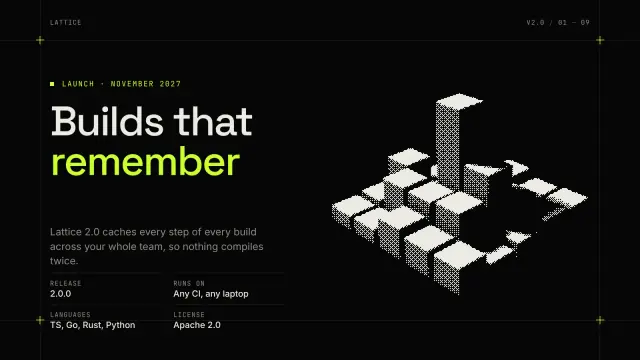
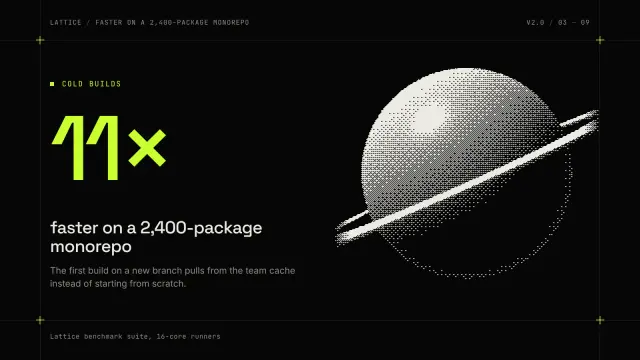
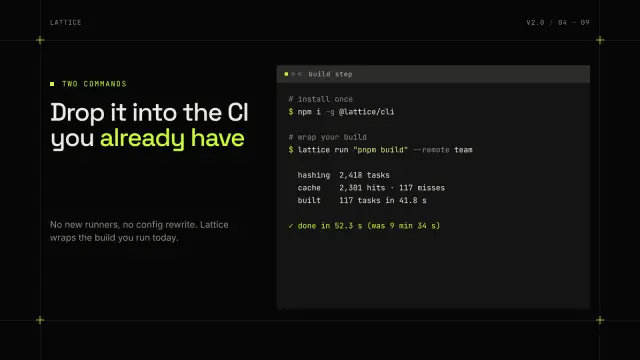
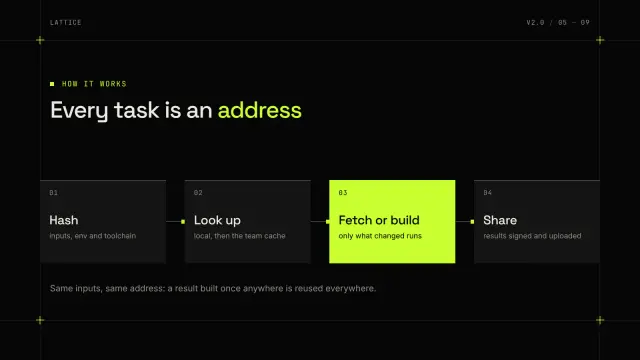
Lattice Launch · 6 slides 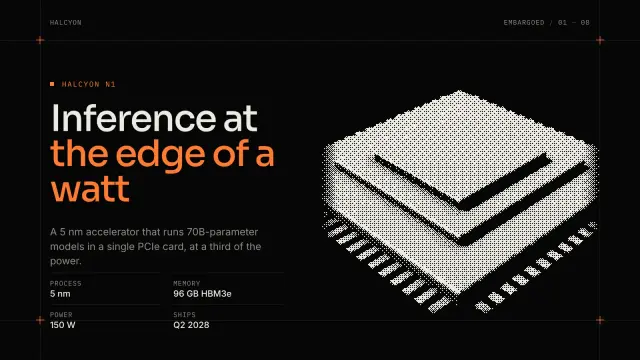

Halcyon Reveal · 4 slides


Animated PowerPoint templates: what actually moves in a PPTX
A PowerPoint file can carry three kinds of motion: per-object animations (fly in, fade, wipe), slide transitions, and video. The one that makes a deck feel designed is the Morph transition, which matches objects with the same name on two slides and moves, resizes and recolors them in between. Morph Deck, Kinetic Type Deck, Product Tour Deck and Chapters Deck all build their PPTX around it.
What does not survive: anything drawn by code in the browser, such as glows, dither sweeps or a chart that draws itself. Those decks export the look as still pictures under real, editable text, which is the honest way to keep a slide readable everywhere. If you present from a laptop, present the browser deck and send the PDF.
How to make an animated presentation with an AI agent
Install the skill, then give your agent your notes, numbers and any pictures. It writes the slides into the deck’s layouts, builds the browser deck, checks every slide for text that overflows or sits on a busy background, and exports a PDF and a PowerPoint file. Present with the arrow keys; N shows your speaker notes.
01
One move per slide change
The eye follows one thing. If three objects travel at once, none of them reads.
02
Keep names stable
Morph pairs objects by name. Rename a shape on one slide and it fades instead of moving.
03
Respect reduced motion
With reduce motion on in system settings, most of these decks fade between slides or show everything at once instead of moving, so nobody gets motion sick in the front row.
04
Rehearse on the real machine
Morph needs PowerPoint 2019 or later. Check the venue laptop, or bring the browser deck.
Install
Install a pick with your agent
Every pick is a SKILL.md folder, so it installs the same way in Claude Code, Codex, Cursor and other agents. The example below uses Morph Deck; each skill page has its own prompt.
1. Paste the install prompt
Your agent runs the installer. The first time, it shows a sign-in link so you can approve it in the browser.
Install the "Morph Deck" skill from Lookbk (https://lookbk.dev/skills/morph-deck).
1. Run: curl -fsSL https://lookbk.dev/cli.js | node - add morph-deck
2. If it prints a sign-in link, show it to me. When I say I approved it, run the same command again.
3. When the install finishes, read the SKILL.md it installed and tell me what you need from me to make the first result.
Or run it in a terminal
curl -fsSL https://lookbk.dev/cli.js | node - add morph-deck2. Start a new session
Agents load skills when a session starts. The installer writes the folder where your agent looks:
- Claude Code
- ~/.claude/skills/morph-deck
- Codex
- ~/.agents/skills/morph-deck
- Cursor
- ~/.agents/skills/morph-deck
3. Ask for the result
Describe it in plain words, for example:
Make a Morph Deck for our seed pitch from pitch.md, with our product cut-out product.png riding across the slides, a bar chart of monthly revenue, speaker notes, and export the PDF and a PPTX with Morph.
Another agent? Install a skill in any agent
FAQ
Questions
Still stuck? The guides cover installing, agents and licensing in more detail.
Read the guidesAre there free animated presentation templates?
Swiss Grid Deck is free, but its slides do not animate. Every deck on this page is a Pro skill. For a free animated touch, make a slide background with the presentation background generator and add PowerPoint’s own Morph between two slides.
Will the animations work in Google Slides or Keynote?
No. Google Slides shows Morph slides still, and Keynote turns Morph into a fade. Keynote and Google Slides also import Cinema Deck’s films but don’t loop them. For the full motion, present the browser deck or use PowerPoint 2019 or later.
What is the Morph transition in PowerPoint?
A transition that finds objects present on both slides and animates them from their old position, size and color to the new ones. It is PowerPoint’s answer to Keynote’s Magic Move, and it works on shapes, pictures, text and individual words.
Can I turn an animated presentation into a video?
Yes. PowerPoint exports a deck with Morph to MP4 from File, Export, Create a Video. The browser decks can be screen-recorded at full frame rate.